
This setting has no impact on the measurement. The engineers were able to use one algorithm for both connector types, making this setting redundant. You cannot insert an APC fiber connector to the output port of the Fiber OneShot™.
- APC - Angled Physical Contact
- UPC - Ultra Physical Contact
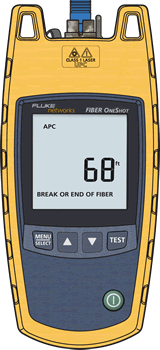
If you wanted to change it from APC to UPC, make sure you are at the results screen.
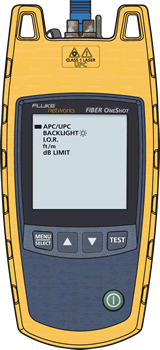
Press MENU/SELECT.
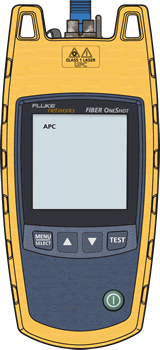
Press MENU/SELECT once more.
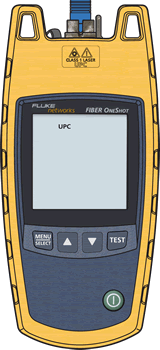
Press  to change it.
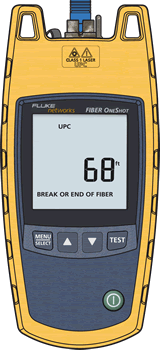
Press TEST when done.