
The SimpliFiber Pro meter will automatically power down after 30 minutes of inactivity. This can be adjusted to:
- Disabled
- 10 minutes
- 20 minutes
- 30 minutes
- 60 minutes
To change the auto power off feature:
- Power on the SimpliFiber Pro meter.
- Press the MODE key on the meter for four (4) seconds.
- You will see:
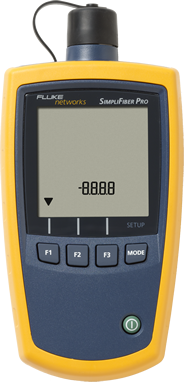
- Press the MODE key three times until you see:
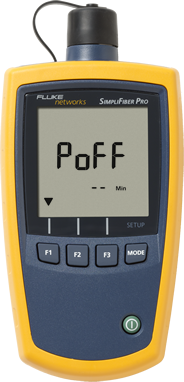
- Dashes (- -) indicate auto power off is disabled.
- Press the F1 key to change the time:
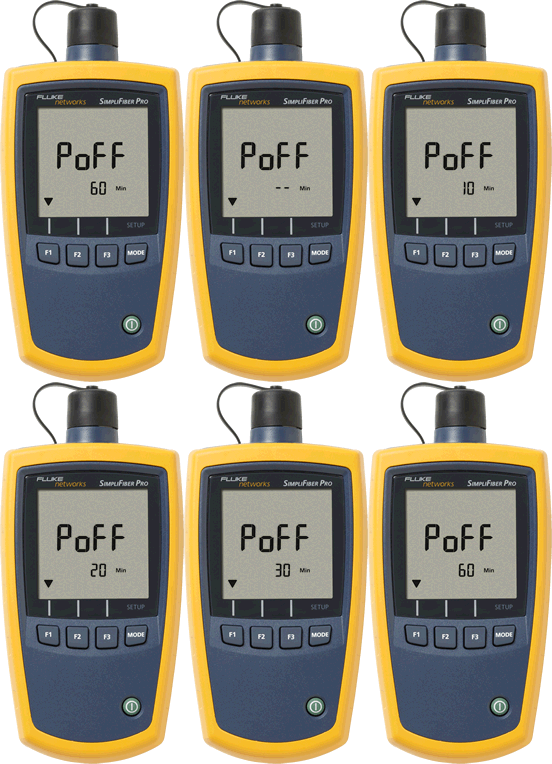
- When you have selected the desired time, press the MODE key once more to exit.