
To turn on and off the backlight, first Power On the MultiFiber Pro. Then hold down the F1 and F3 keys for approx. 3 seconds to enter the User Preferences Menu where you will see:
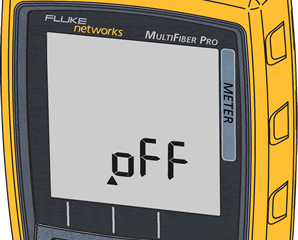
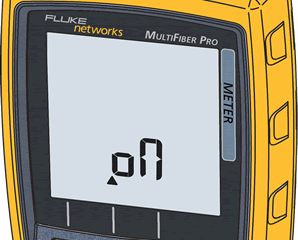 To toggle the backlight on and off, press the F2 key. To save your choice, press the F1 and F3 keys again for approx. 3 seconds.
When shipped from the factory, the backlight is set to "on".