
The SimpliFiber Pro’s backlit LCD can be turned off.
- Power on the SimpliFiber Pro meter.
- Press the MODE key for four (4) seconds until you see:
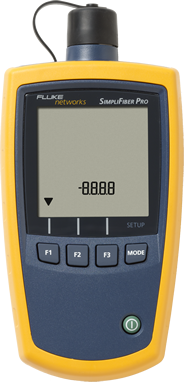
- Press the MODE key two times until you see:
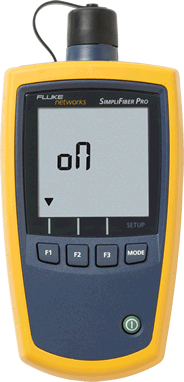
- Press the F1 key to turn off/on the back light.
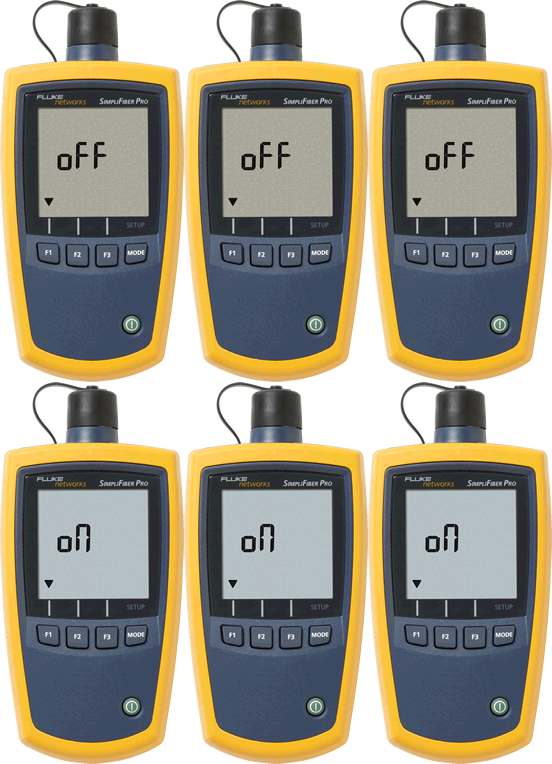
- Press the MODE key two times to exit the setup.