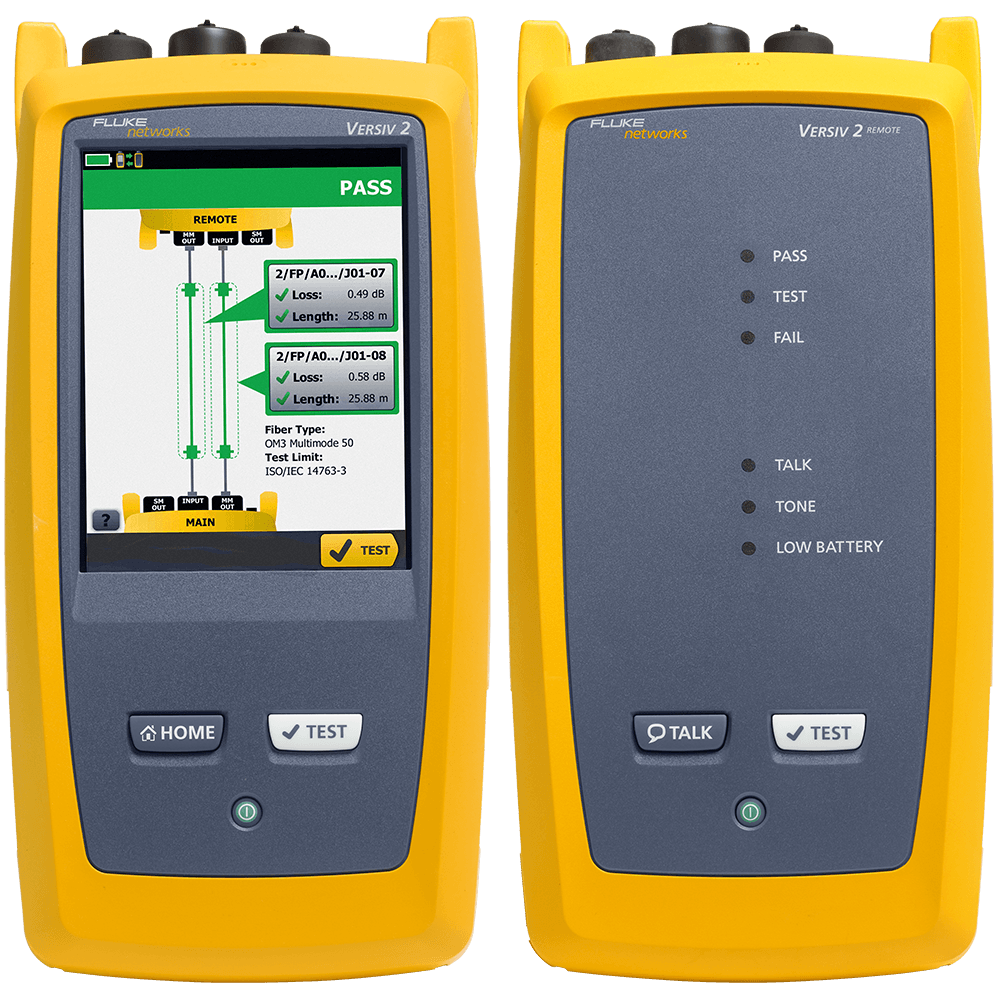
If the measured loss is less than -0.09 dB, the following warning is given on the CertiFiber Pro:
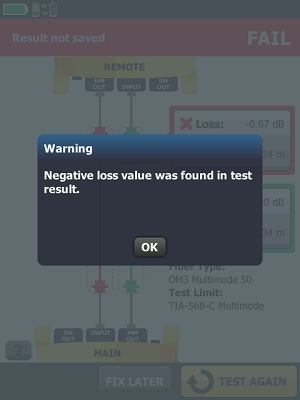
A negative loss is often referred to as a gainer. This should not be possible on a passive link, yet your CertiFiber Pro is reporting just that! The most common cause is setting a reference through a bulkhead adapter (2 Jumper Reference, shown below). For link testing, setting a reference through a bulkhead adapter is not only a violation of ANSI/TIA and ISO/IEC standards, you are also in violation of the requirements from your vendor offering the cabling warranty. It's one of the most common causes for rejection of test results.
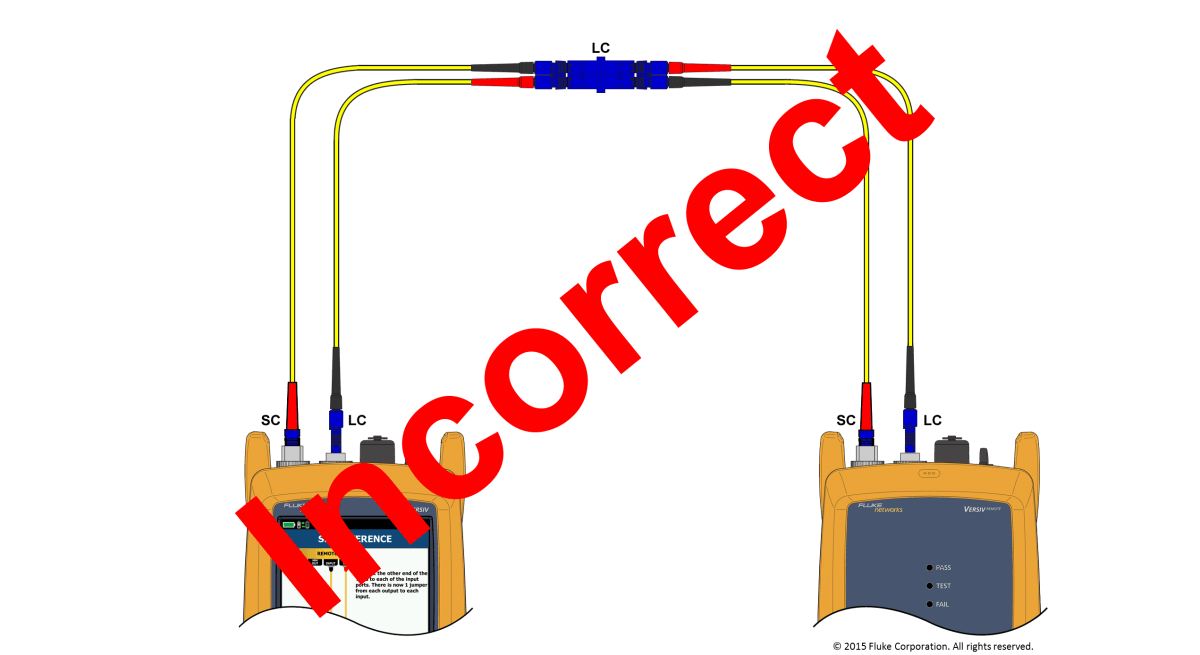
When you set a reference through a bulkhead adapter, you are referencing out the loss in that bulkhead adapter - whatever that is. Consequently, you will end up with an optimistic reading, possibly passing links that would otherwise fail. It also makes the loss measurement inconsistent. If the loss in that bulkhead adapter is severe (high) when setting a reference, you could be referencing out more loss than the link you are testing - and that is how you end up with a negative loss. Because many technicians ignored the negative loss warning in our previous fiber certification tool (DTX CableAnalyzer) and continued testing, the CertiFiber Pro will report the link as a FAIL, to force a corrective action if the negative loss exceeds -0.09 dB.
Fluke Networks provides a series of knowledge base articles detailing the use of the 1 Jumper Reference method for link testing:
- Certifying duplex LC to LC multimode links
- Certifying duplex LC to LC singlemode links
- Certifying duplex LC/APC to LC/APC singlemode links
- Certifying duplex SC to SC multimode links
- Certifying duplex SC to SC singlemode links
- Certifying duplex SC/APC to SC/APC singlemode links
- Certifying duplex ST to ST multimode links
- Certifying duplex ST to ST singlemode links
Note: TRC verification not possible with this method, use known good cords:
There are two other possible explanations for a negative loss:
- Not allowing sufficient time for the the light sources to fully warm up and stabilize (acclimate to the testing environment) prior to setting the reference.
- Failing to lay your test reference cords straight when setting a reference.
TAC Pro Tip: If you are testing in a data center where temperature conditions vary, we recommend setting reference in the area with the highest ambient temperature. You should ensure that the environment is still within the range of 10° C to 45° C.