
The meter’s CheckActive™ mode lets you quickly determine if a fiber is connected to active equipment. This mode helps you locate active links and avoid exposure to hazardous radiation.
To use CheckActive mode:
- Press the MODE key until CheckActive™ appears.
- Connect the meter to a fiber. (Using a fiber cord ensures the Input Port of the SimpliFiber Pro remains clean and does not pick up dust in the room).
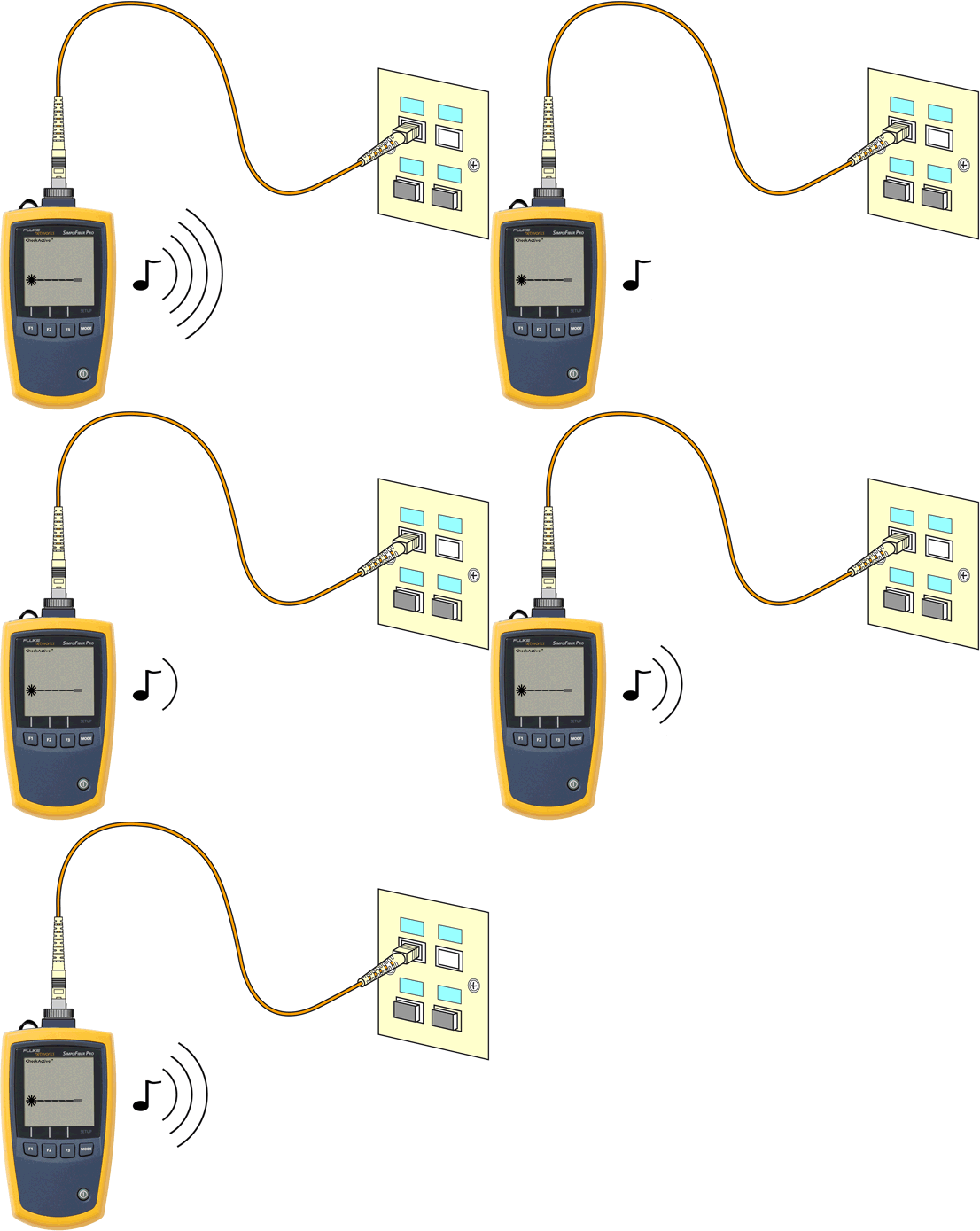
- The meter indicates fiber activity as shown below:
Note Ceiling lights can activate the CheckActive™ tone. To avoid this, keep a patch cord connected to the meter if the meter is in CheckActive™ mode. Rotating the SimpliFiber pro 90º will also prevent the overhead lights from activating it.