
To change the date and time on the MultiFiber Pro Meter, power on the meter. Then hold down the F1 and F3 keys for approx. 3 seconds to enter the User Preferences Menu where you will see either "on" or "off". Press the MENU/SELECT key twice to see the Year currently set in your meter:
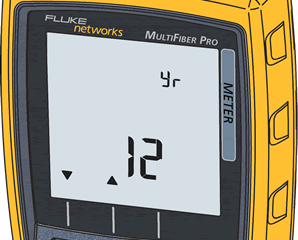 Press the F2 key to change it or press the MENU/SELECT to display the Month:
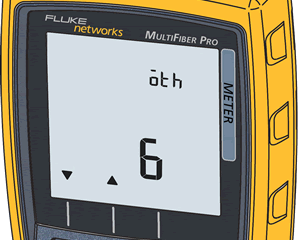 Press the F1/**F2** key to change it or press the MENU/SELECT to display the Day:
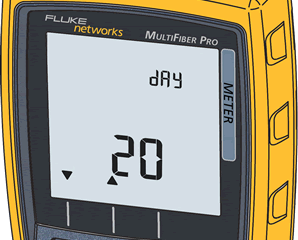 Press the F1/**F2** key to change it or press the MENU/SELECT to display the Hour:
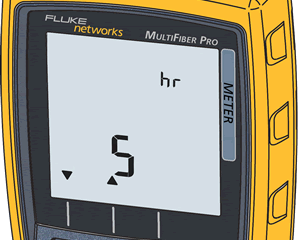 Press the F1/**F2** key to change it or press the MENU/SELECT to display the Minutes:
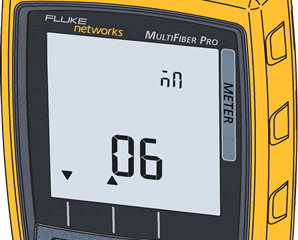 Press the F1 and **F3** keys again for approx.3 seconds to save the changes.