
In POWER mode, the SimpliFiber Pro can display the received power in either dBm, µm or mW. The default setting from the factory is dBm.
To change the measurement units::
- Power on the SimpliFiber Pro meter.
- Press the MODE key on the meter for four (4) seconds.
- You will see:
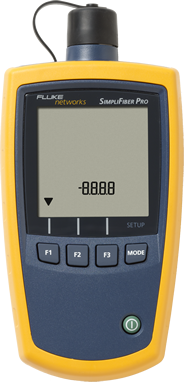
- Press the MODE key once.
- Press the F1 key to change the units:
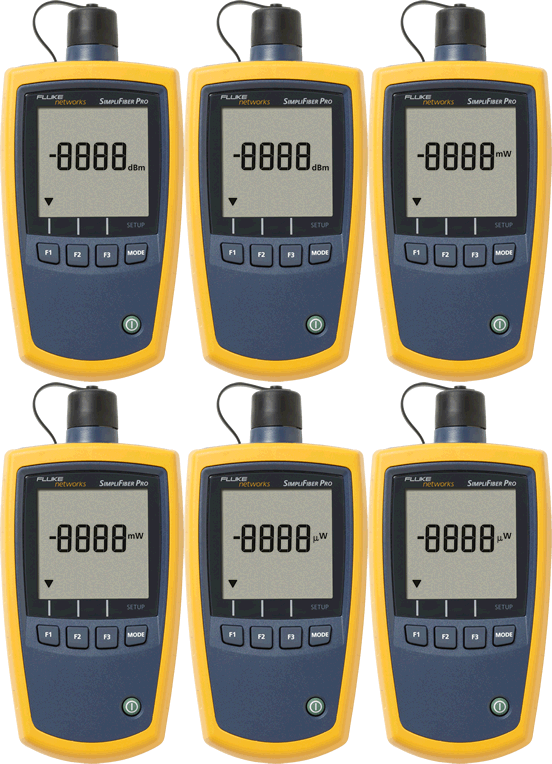
- When you have selected the desired measurement unit, press the MODE key three (3) more times to exit.