
If the FIX LATER option does not appear, it’s because either the link passed or you have Auto Save enabled. To turn off Auto Save, tap Next ID: from the home screen and toggle the On/Off in the upper left corner of the screen. Tap DONE.
This feature is part of ProjX™. It allows you track your failures and come back to fix the links later. When a copper link fails, you will see a screen similar to this:
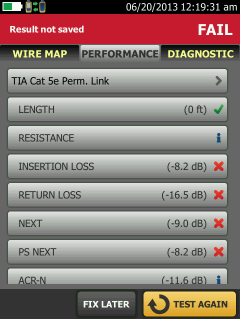
Tapping FIX LATER saves the failed test result.
When you view your results, the failures are grouped together. An example is shown below:
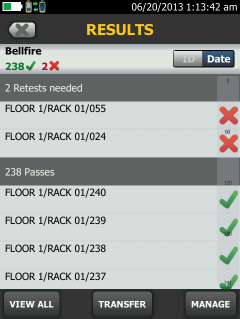
In this example we will tap ID: FLOOR 1/RACK 01/024 which brings up the failed test result:
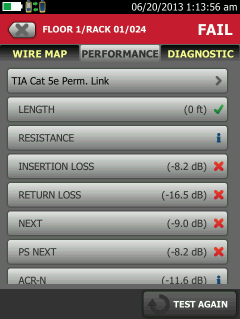
Connect the DSX CableAnalyzer to the fixed link and tap TEST AGAIN. Hopefully it passes as in this example:
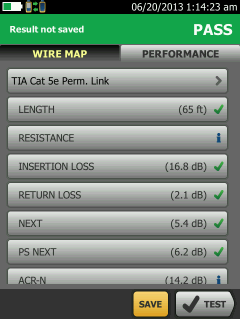
When you view your results again, you will have one less failure on your list.
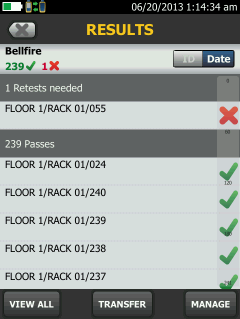
This is in effect a punch list. It eliminates the need to download the results to a PC, find the failures and tell the technician which links to fix and retest.