
The following is not supported officially or unofficially.
If you work in product development, you may interested in getting the following measurements with both amplitude and phase /images/knowledge-base/extracted/dsx-cableanalyzer-series--real-and-imaginary-data-dsx-cablea_3c1cb98f9d0e.gif)
- The Versiv text will turn yellow to indicate the storage of amplitude and phase data.
Powering off the unit disables amplitude and phase data storage.
-
Now carry out your measurements and save them to the DSX CableAnalyzer. It will take a few moments longer than normal to save a result as "All Measurements" to 1 GHz is approximately 1.4 MB per result, not the usual 0.06 MB.
-
Import your results in LinkWare PC 9.6.
-
Select the result you wish to extract to .csv.
-
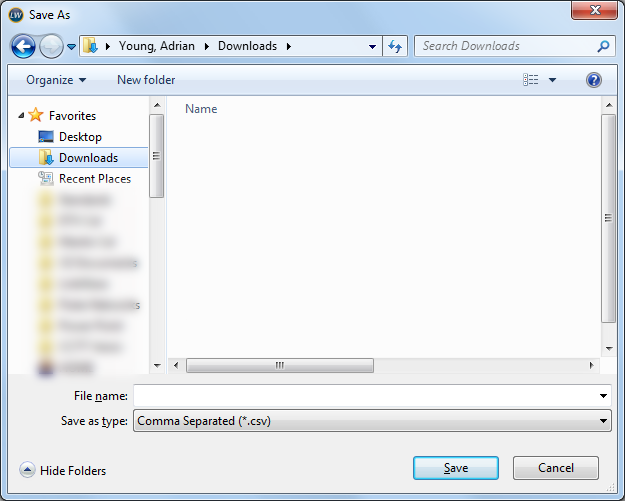
On your keyboard, press CTRL SHIFT and T to open this window:
-
Enter the name you wish to save it as and click on Save. (file sizes can be up to 2.7 MB)