Please ensure you have Version 2.78 in your DTX CableAnalyzer and LinkWare PC 9.6 on your PC.
You can have up to 20 Site Names and 20 Operator Names.
Tip: You can enter these in the DTX CableAnalyzer, but a quicker way to do this is through LinkWare PC. With the DTX CableAnalyzer connected to the PC and LinkWare PC running, click on Utilities > DTX CableAnalyzer > DTX Setup.
A new window will appear:
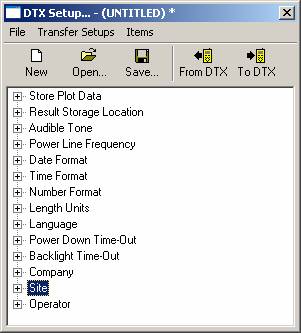
 | You can get the existing Site and Operator Names from the DTX. |
 | Once you have finished editing the Site and Operator Names, you can then send the new names to the DTX. |
 | Dont forget to save the new names to the PC so you can use them again in the future or add / delete new names. |
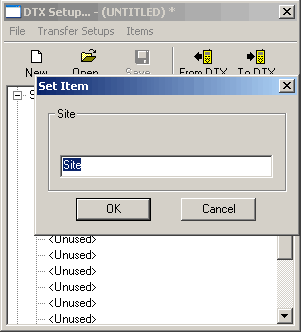
To edit the names, click on  to reveal:
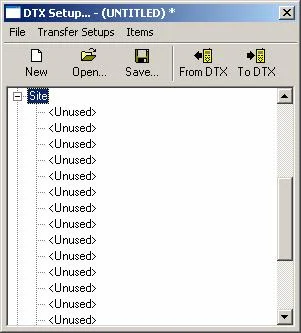
Now double click on an entry to change it: