
The tone generator on the tester and smart remote produces a standard 2 kHz tone for locating cables and jacks with a tone probe such as the Fluke Networks IntelliTone probe.

The tone probe detects the toners signal and makes a sound that gets louder as you get closer to the cable or jack transmitting the signal.
The tone is generated on pair 1, 2.
Note: The tone generator does not generate the IntelliTone signal.
1. Attach a twisted pair adapter to the tester or smart remote. 2. Connect the tester or smart remote to the cabling as shown below:
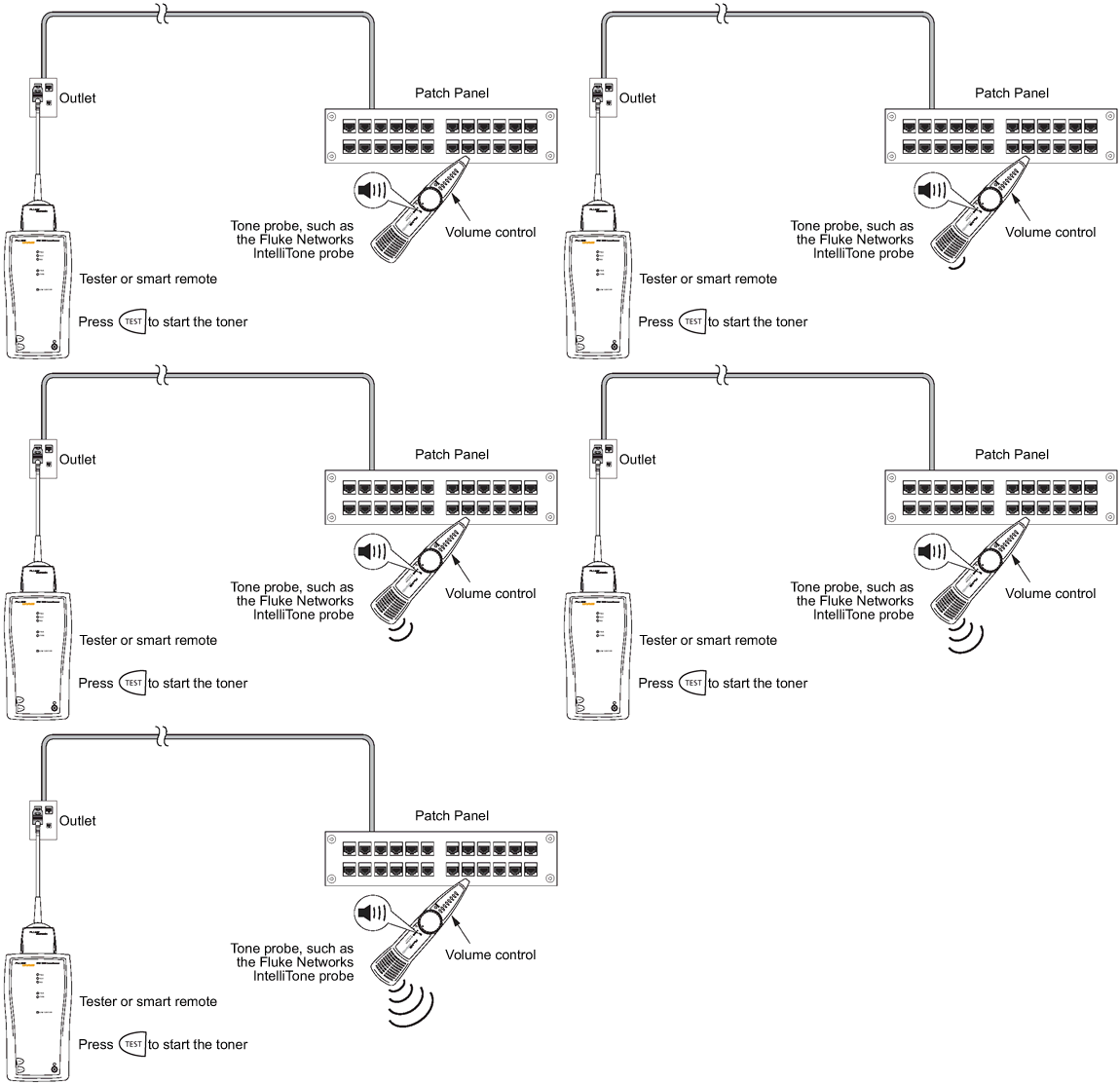
3. To turn on the testers toner press  .
.
4. To turn off the toner, press again.