
With the optional fiber optic modules, it is possible to measure fiber optic power. You may wish to do this to verify that a port on a hub/switch is working. Connect the hub/switch to the input port on the main unit.
- Rotate the dial to MONITOR.
- Highlight Power Meter and press ENTER.
- Select the wavelength you wish to monitor; 850 nm, 1300 nm, 1310 nm or 1550 nm and press ENTER.
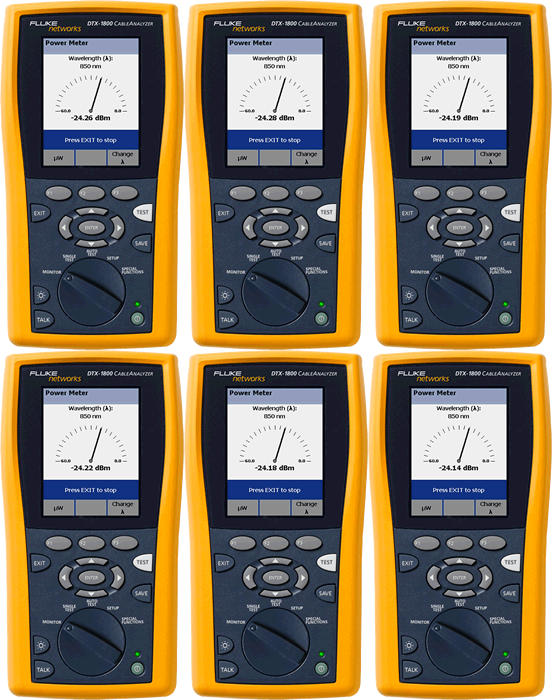
- This is a real time measurement (continuous test). Any change in power will be shown instantly.
- The strange symbol above the F3 key is the Lamda Symbol representing wavelength. To change the wavelength, press F3.