
Thanks to customer feedback, LinkWare Live has added Report Settings to allow users to specify the date format, Length Units, Power Units, Time Zone, and add a custom logo.
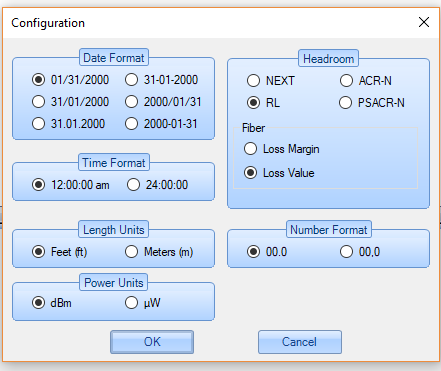
This was done so that report configuration in LinkWare Live matches the report configuration you can specify in LinkWare PC under Options, Configuration:
To access the Report Settings configuration area in LinkWare Live, click on your user name in the top right of LinkWare Live and go into Account & Settings.
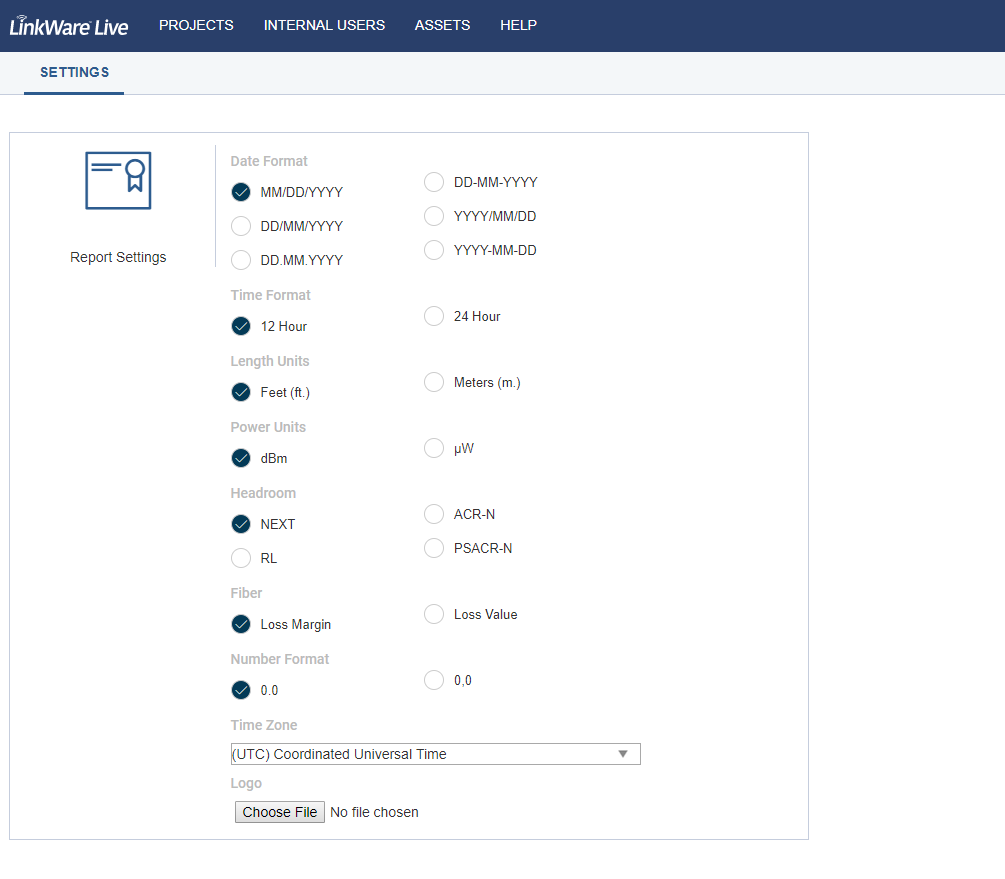
After you make your selections, the next report that is run will apply your changes.