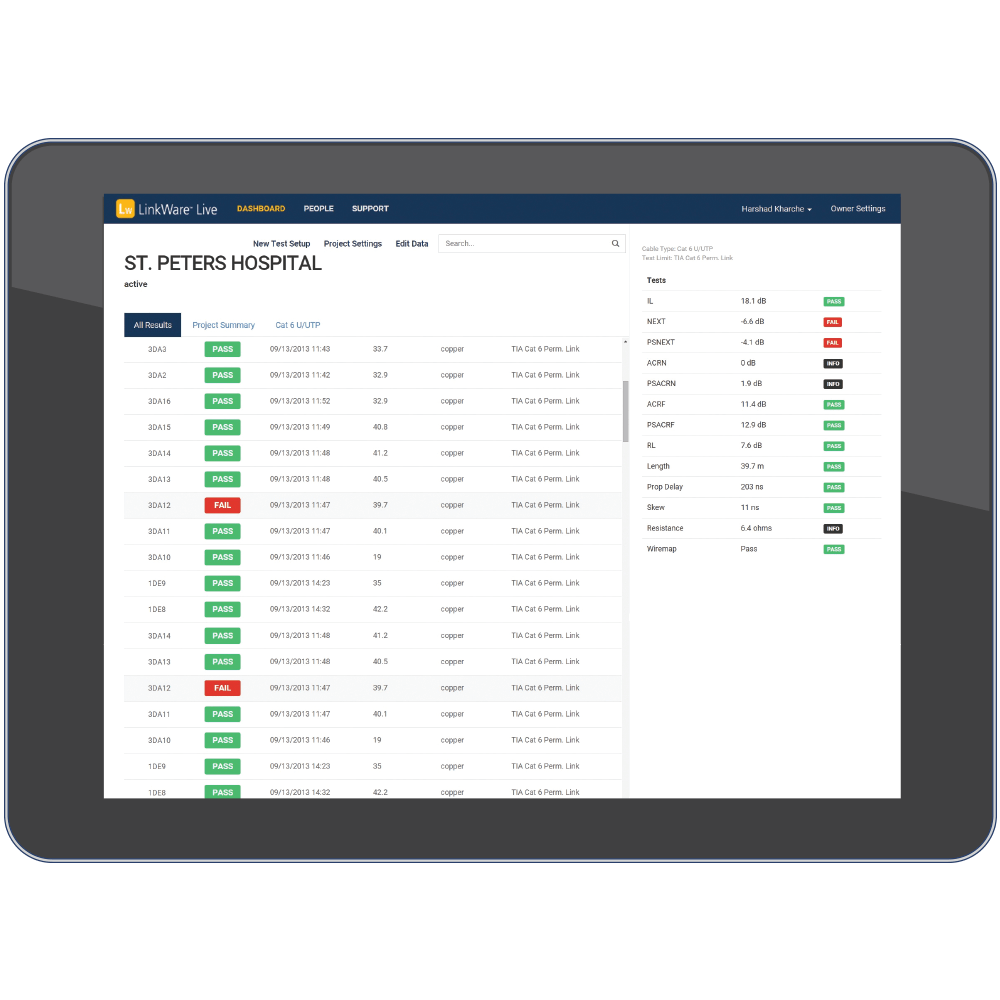
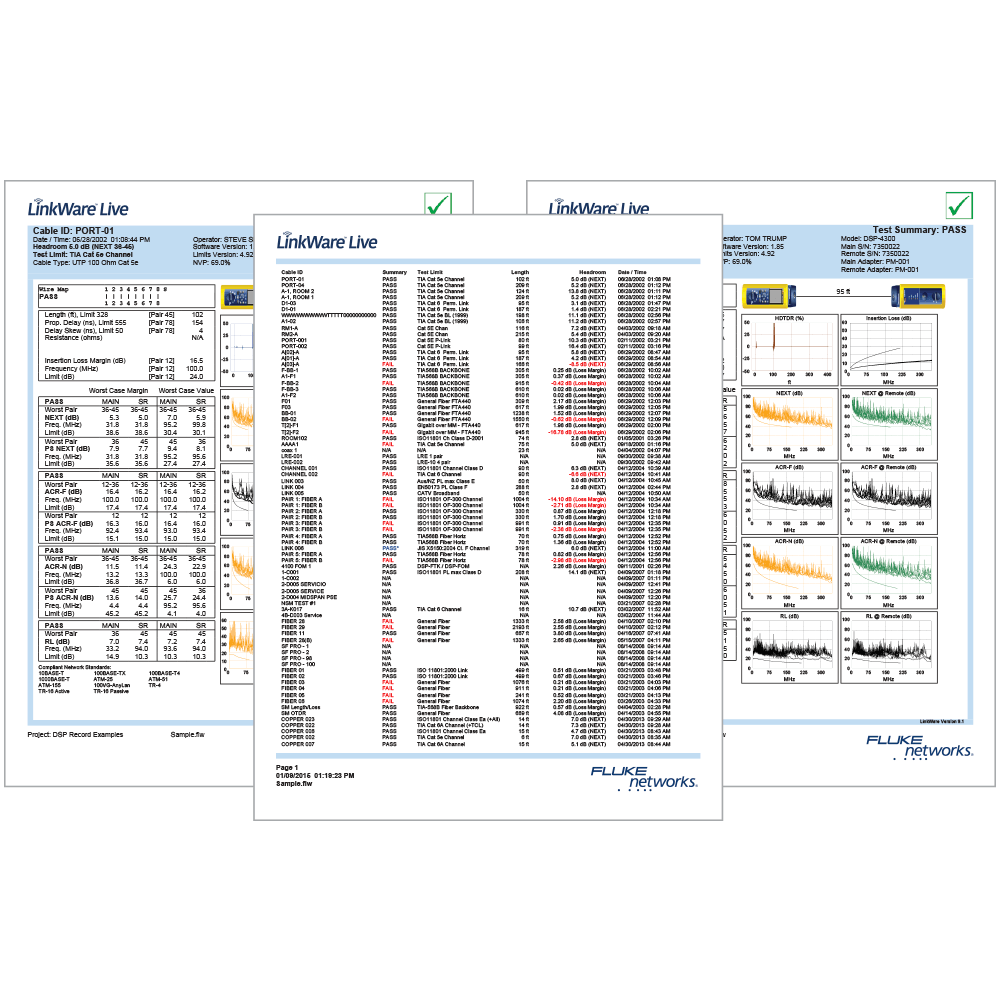
This feature is now available in  .
.
Excel 2007 and 2010 will allow you to import more than 255 fields. Make sure the "Total CSV fields:" shown below does not exceed 255 if you are using older versions of Excel.
Click on Options > CSV
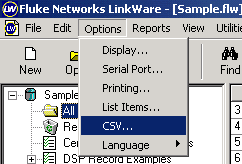
You will then see:
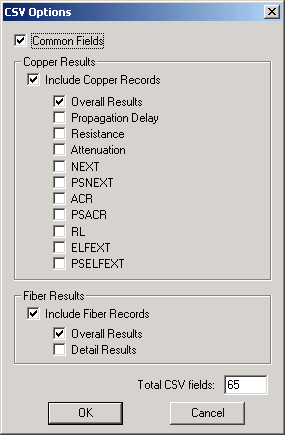
You only need to do this once, as LinkWare will remember this setting. Once you have done this, highlight the reports you wish to export then click on File Ι Export as shown below:
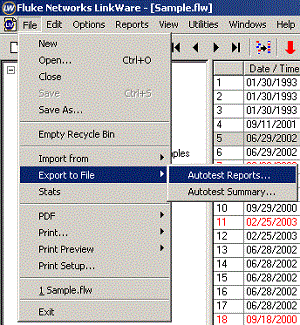
You will then be prompted with:
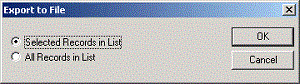
Click OK to see..
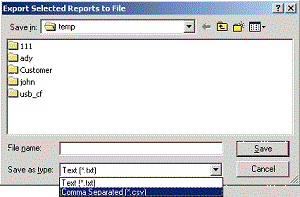
Change the file type to Comma Separated [*.csv] and choose a name to save the file as followed by Save.