
For any successful OTDR measurement, a good launch from the OTDR is required.
The OptiFiber Pro provides a grading scale for how good the OTDR Port Connection is at the time of measurement. It is stored with the record and viewable in LinkWare Software - your customer will be able to see this in the test result.
An example is shown below:
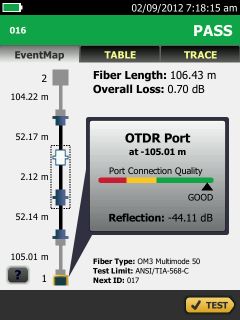 The OTDR Port Connection Quality is primarily based on Reflectance but also includes loss. If you are experiencing problems in getting a GOOD OTDR Port Connection Quality, the following causes should be considered:
- Are you using a launch fiber? You cannot use a patch cord. The launch fiber should be at least 105 m for multimode and 130 m for Singlemode
- Homemade launch fiber? If you made the launch fiber yourself using a field polished connector, it is unlikely you will see the arrow in the GOOD range. That’s because for multimode, we are looking for a reflectance of -45 dB and for singlemode, a reflectance of -50 dB, which is not going to be achieved with a field polish.
- Damaged launch fiber? A simple inspection of the end face should reveal any scratches. To get a GOOD reading, you will need to see a perfect endface with no scratches. If your launch fiber connector has scratches on it, replace it. Remember, putting a damaged launch fiber into the OptiFiber Pro can damaged the OptiFiber Pro’s connector.
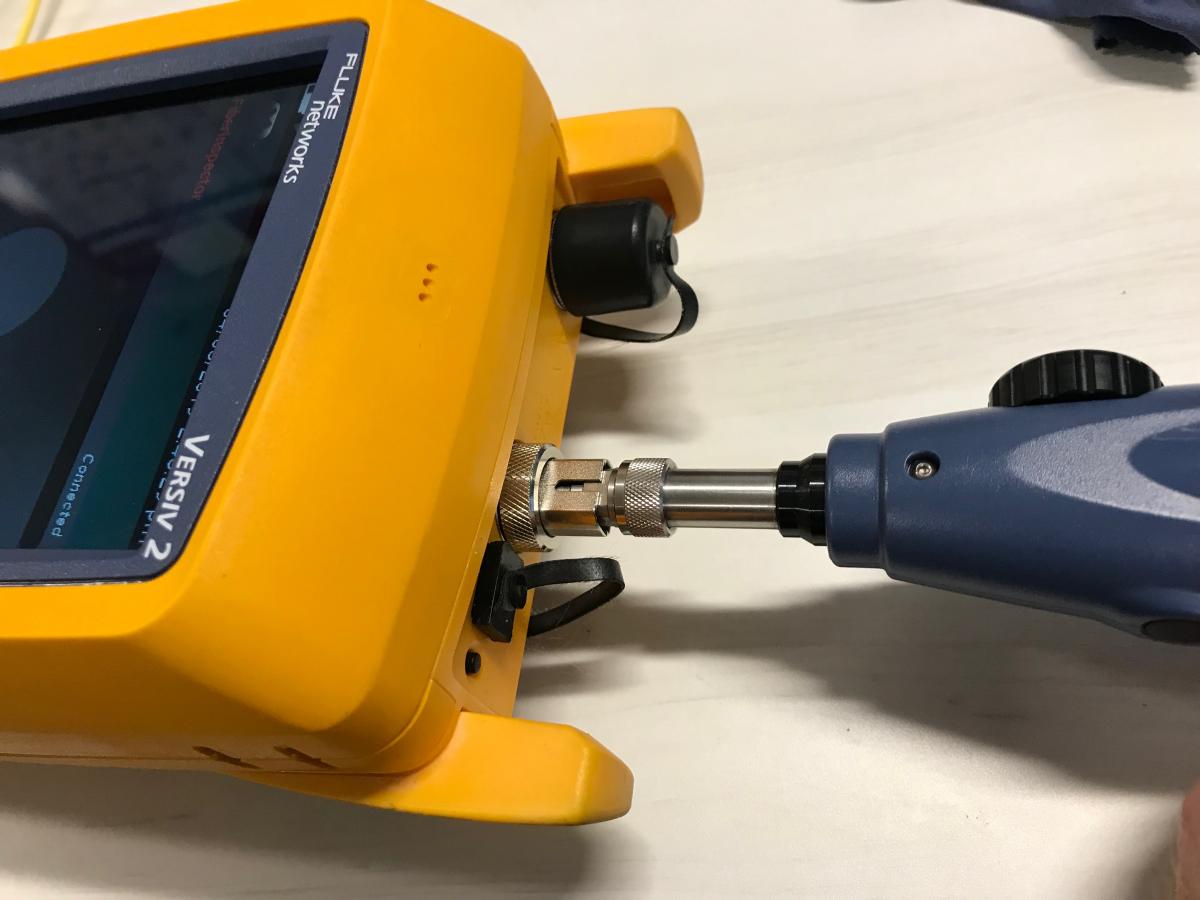
- Dirty OptiFiber Pro port? If the launch fiber is not clean, that dirt will transfer to the OTDR Port. You can use the FiberInspector FI-7000/1000 to view the OTDR Port for signs of dirt or damage
- Damaged OptiFIber Pro port? If the launch fiber is not clean or scratched, you can damaged the OTDR Port. Use the FiberInspector FI-7000/1000 to view the OTDR Port for signs of dirt or damage
The OTDR Port Connection Quality feature cannot be disabled.