
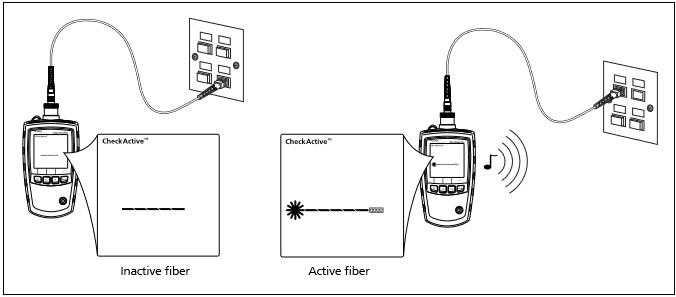
SimpliFiber Pro’s meter CheckActive™ mode lets you quickly determine if a fiber is connected to active equipment. This mode helps you locate active links and avoid exposure to hazardous radiation.
To use CheckActive mode:
- Press MODE until CheckActive™ appears.
- Connect the meter to a fiber. The meter admits a solid tone indicating fiber activity.
*Note*
*Ambient light can activate the CheckActive™ tone. To avoid this, keep a patch cord connected to the meter if the meter is in CheckActive mode.*