The MicroScanner series units can display measurement in meters or feet.
These are the steps the change the measurement unit used by the tester.
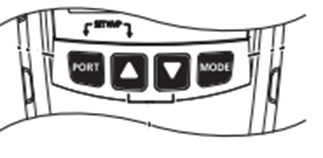
MocroScanner 2
1 Hold down Port and Up Arrow while turning on the tester.
2 Press Mode or Home to switch between meters and feet.
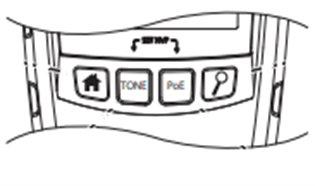
MicroScanner POE
1 Hold down Tone and POE while turning on the tester.
2 Press Mode or Home to switch between meters and feet.