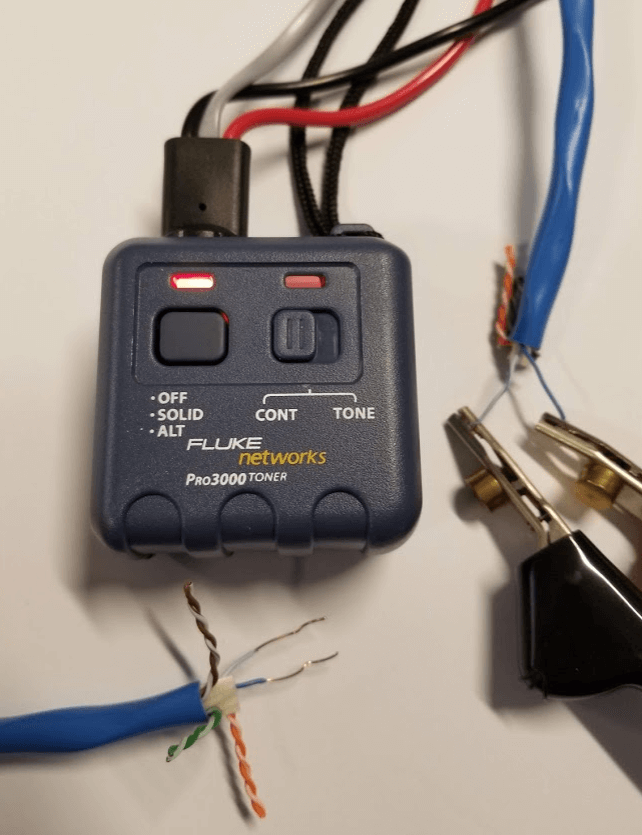
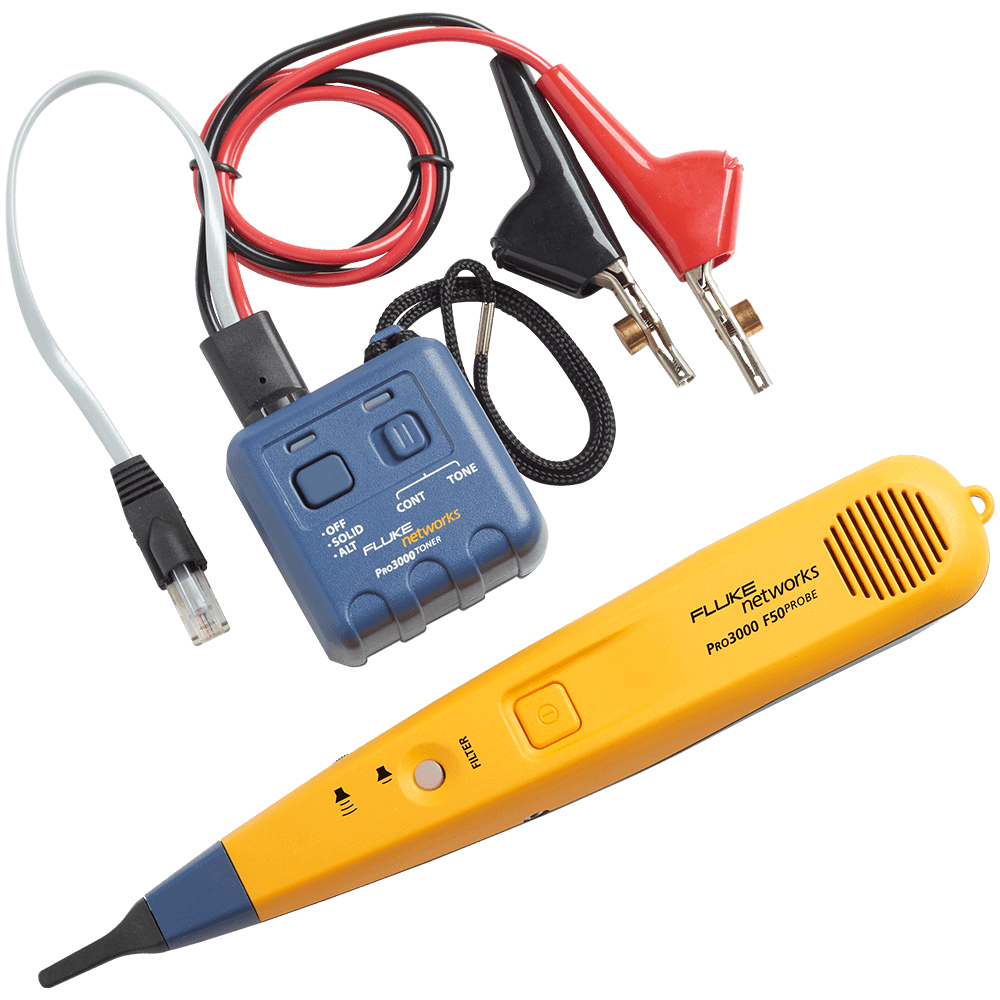
The Pro3000 Toner can be used to check for DC continuity between two unpowered wires on a cable using the clip leads.
Make sure the wires are not powered. Connecting to powered wires in continuity mode can damage the toner.
Move the switch selection to CONT.
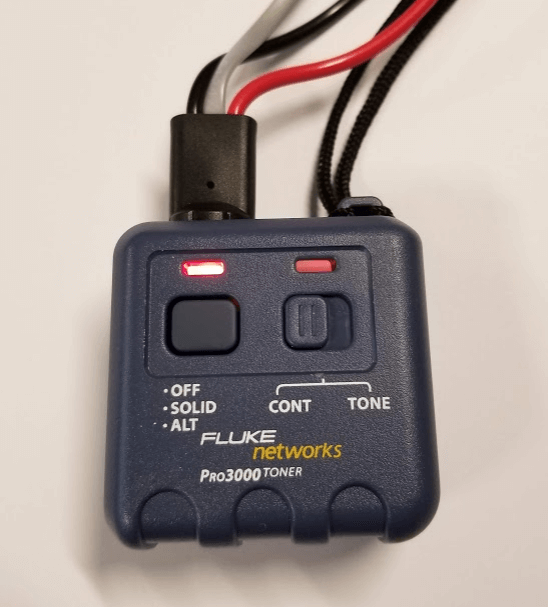
Connect the clip leads to the two conductors you wish to test. In this case I connected the black and red leads to the 4,5 pair of a 4 pair network cable.
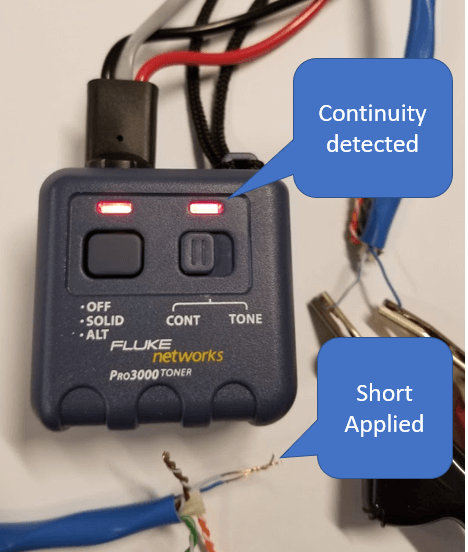
If a short is detected, the LED on the right side will illuminate.