FI-7000 FiberInspector™ Pro
Product Highlights
1-second automated PASS/FAIL certification of fiber optic connector end-faces
- Automated Pass/Fail certification of fiber optic connector end-faces
- Graphical indication of problem areas due to contamination, pits, chips, and scratches
- Certify to industry standards - IEC 61300-3-35
- Eliminate human subjectivity from fiber optic connector end-face measurements
- Save fiber optic connector end-face views during certification process View More >
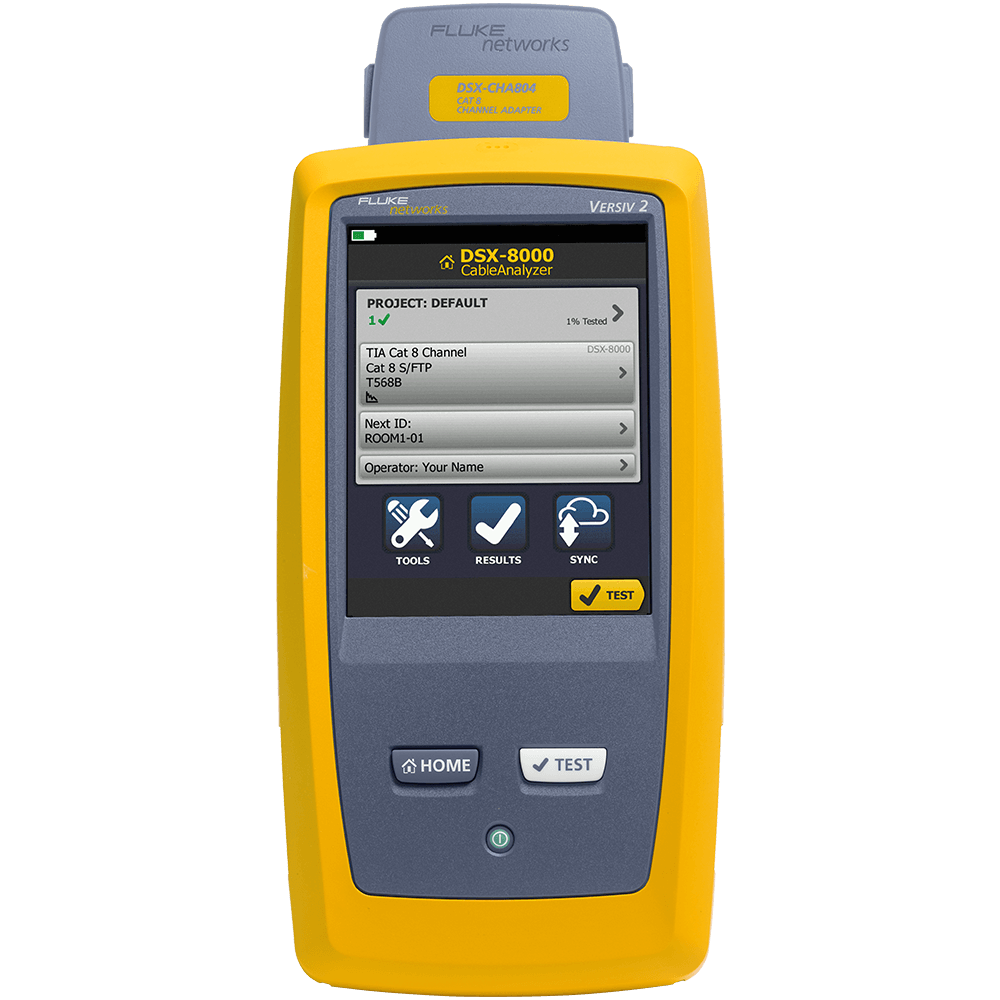
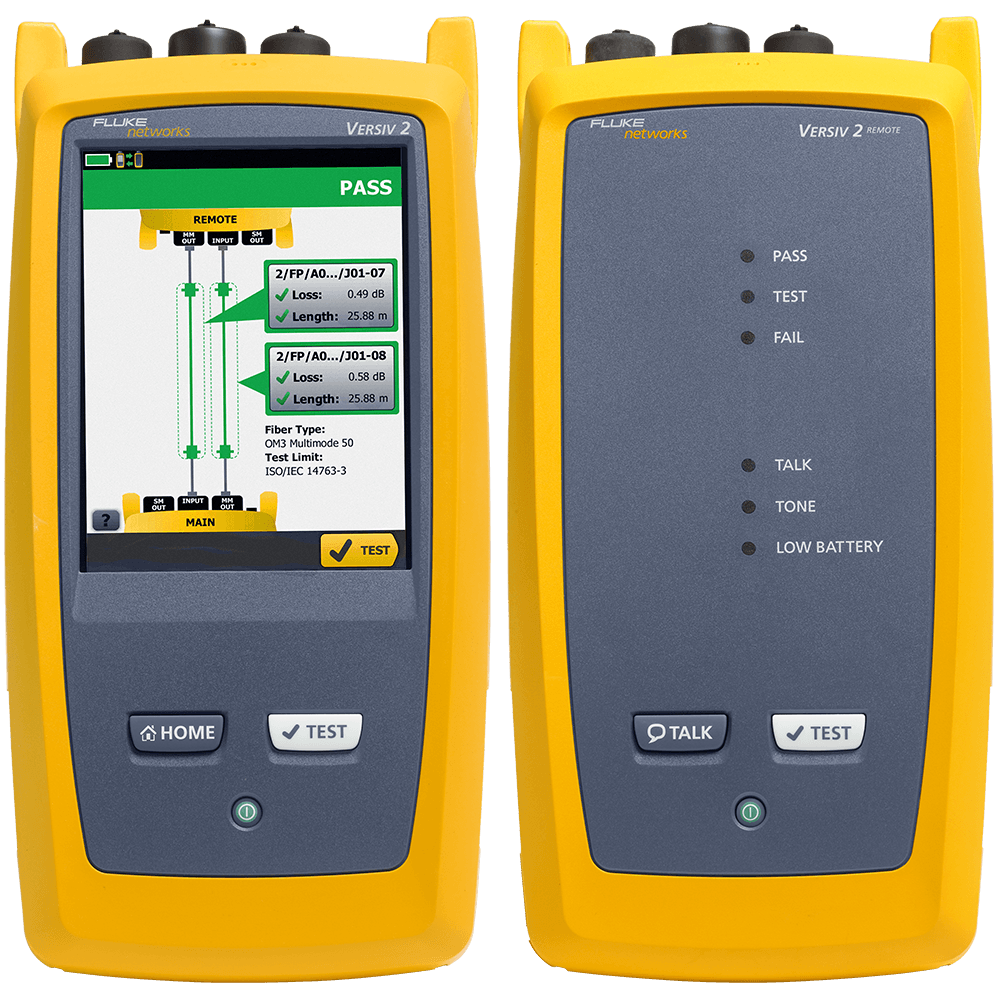
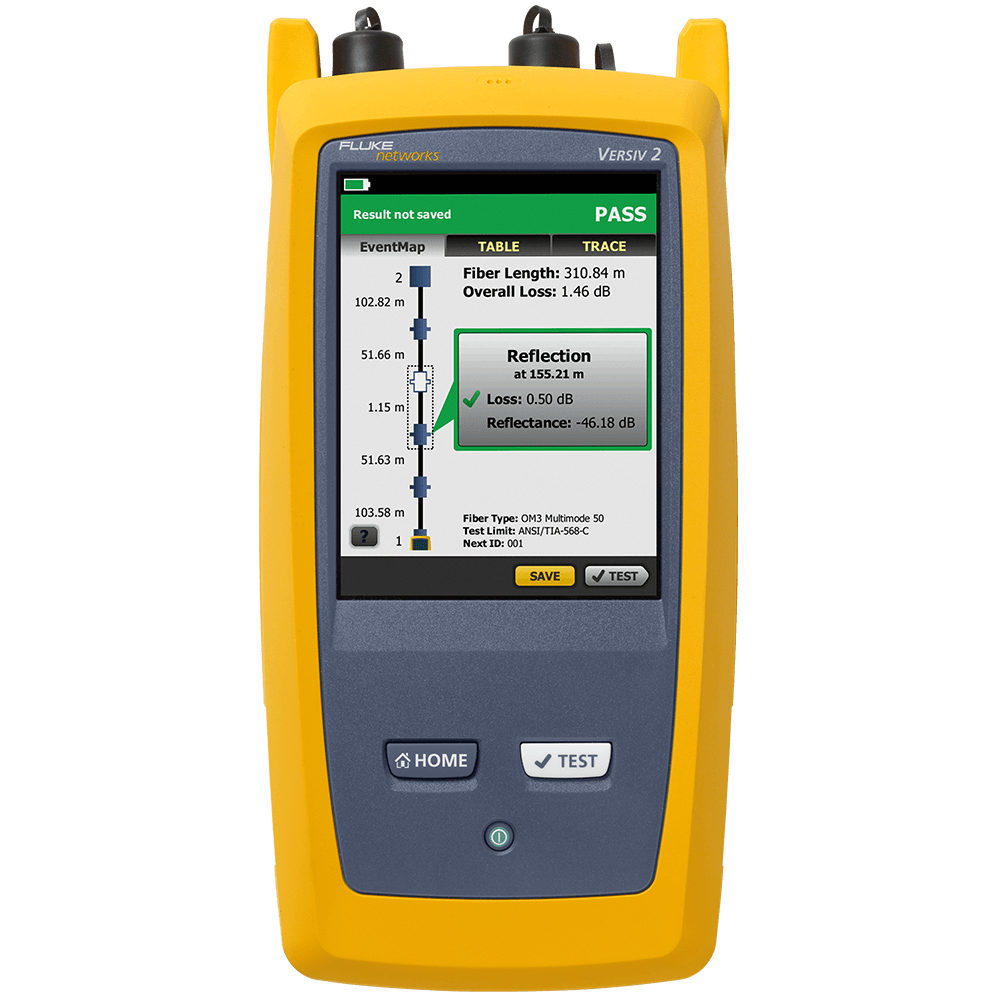
- Versiv™ modular design supports copper certification, fiber optic loss, OTDR testing and fiber end-face inspection
Overview
Fiber optic connector end-face contamination is a leading cause of fiber failures. Dirt and contaminant cause insertion loss and back-reflection that inhibits optical transmission and causes havoc with transceivers. Fiber loss and OTDR testing can expose this problem, but in many cases, dirty connections make fiber testing time consuming and inaccurate.
Since dirt can be an issue before, during, or after fiber optic certification testing, and migrate from one fiber optic connector end-face to another upon mating, both sides of any connection must always be cleaned and inspected. Further, mating contaminated fiber optic connectors can cause permanent damage as microscopic debris is crushed between end-faces in physical contact. Even factory terminated patch cords or pigtails must be inspected as protective caps do not keep fiber optic connector end-faces clean. Avoiding this common cause of failure, starts with inspecting the fiber optic connector end-face and eliminating any contamination before insertion into a bulkhead or piece of equipment.
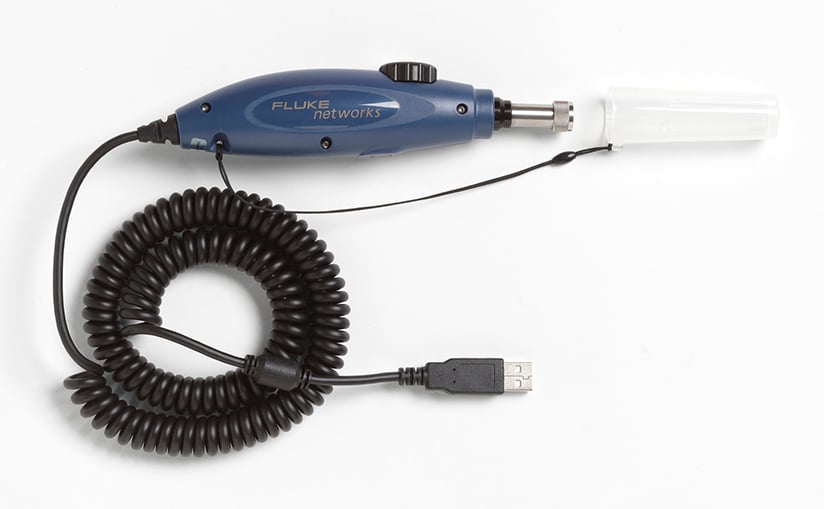
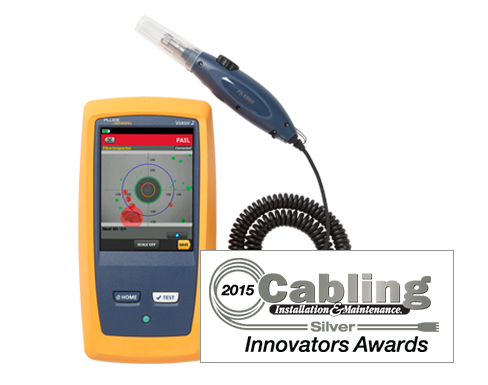
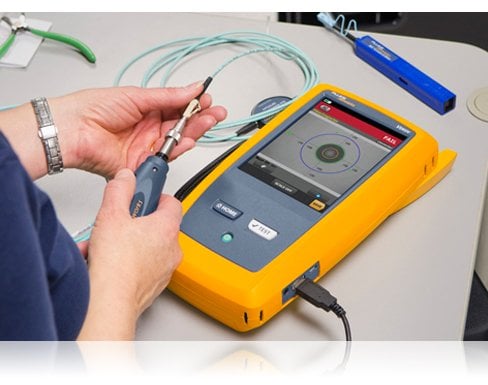
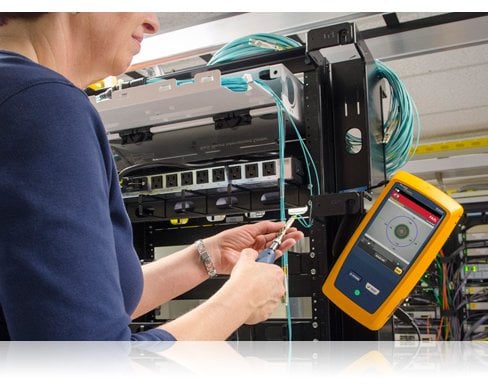
The FI-7000 FiberInspector Pro is a fiber optic inspection scope that allows you to inspect and certify fiber optic connector end-faces in 1 seconds so you can get the job done the first time. This fiber optic inspection scope provides automated PASS/FAIL certification take the guess work out of fiber inspection so anyone can be a fiber expert.
Features
Fiber Inspection Certification
Certify your fiber end-faces to industry standards - IEC 61300-3-35. Or if you prefer, you can manually grade your end-faces.
Graphical indication of Problem Areas
FiberInspector Pro highlights defects found on fiber end-faces. Instead of just coloring the defect area, the FI-7000 colors the defect and highlights the defect’s background so that the defect is clearly visible. Defects that fail the standard’s requirements are colored Red, while defects that pass are colored Green.
Store End-face Images
Store both end-face images of a fiber directly in your Versiv test results. Combine end-face images with CertiFiber Pro OLTS and/or OptiFiber Pro OTDR test results for the complete history of your fiber cabling health.
Built on the Versiv Platform
The FI-7000 is built on the Versiv Cable Certification Platform which enables you to easily add optical loss (OLTS) and Optical Time Domain Reflectometry (OTDR) or even twisted pair copper or network analysis functionality to FI-7000. Product add-on kits are available for the DTX CableAnalyzer, CertiFiber Pro OLTS, and OptiFiber Pro OTDR.
Versiv’s ProjX™ System
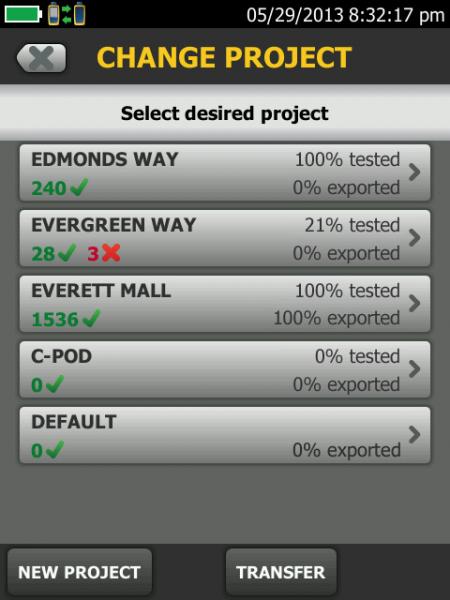
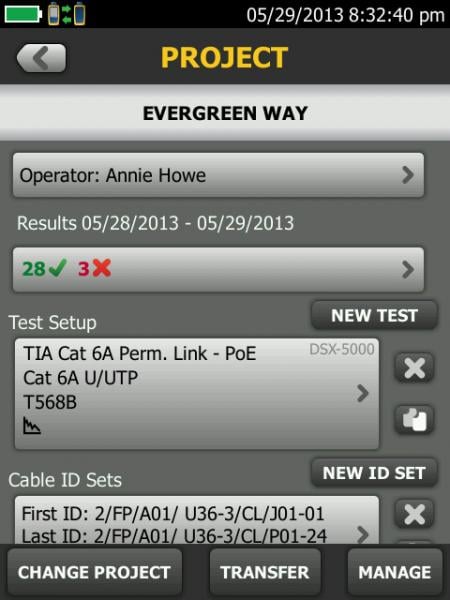
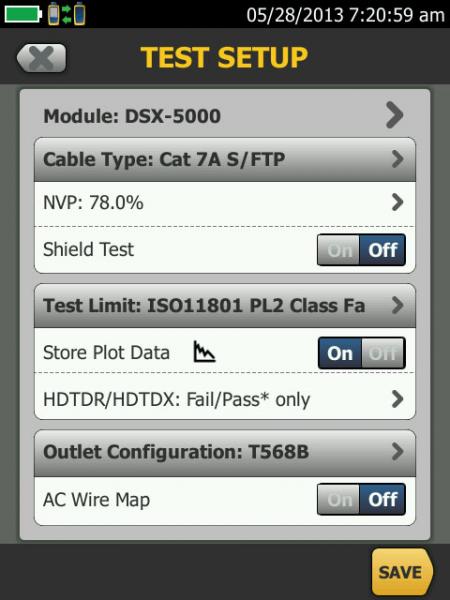
Versiv’s ProjX™ System manages jobs from setup to systems acceptance, ensuring that all tests are completed correctly. Enter the testing details for a job once, and ProjX stores them in a project file with a name the whole team can understand. Change modules or jobs without having to re-enter details. Support multiple testers on the same job by sharing project files via USB sticks or email. Easy just met efficient.
 |
 |
 |
|
 |
|---|---|---|---|---|
| Set-up or view test limits, and testing attributes. | Project menu screen shows percent complete per job. | Project Specific screen shows up to the minute project details. |
Taptive™ User Interface
Now you can test across multiple media types and requirements as easy as using a smartphone. Simply, select the job you’re working on, and the large display confirms the test that needs to be performed. Taptive helps you tap into the overall cabling infrastructure faster and more easily.
Taptive user interface simplifies set-up, eliminates errors and speeds troubleshooting.
LinkWare™ Management Software
Project managers have full capabilities to monitor workflow and consolidate test results.
LinkWare pulls data togther into a single report that is easy for customers to understand, showcasing quality and workmanship. LinkWare stats, provides automated statistical reports that turns test results into charts to reveal performance. The report even summarizes your entire cabling and fiber infrastructure in one compact, graphical format, so it is easy to verify margins and anomalies.
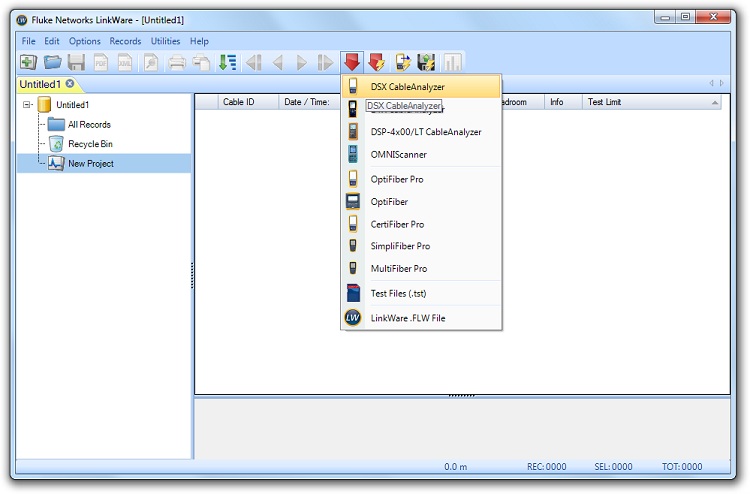
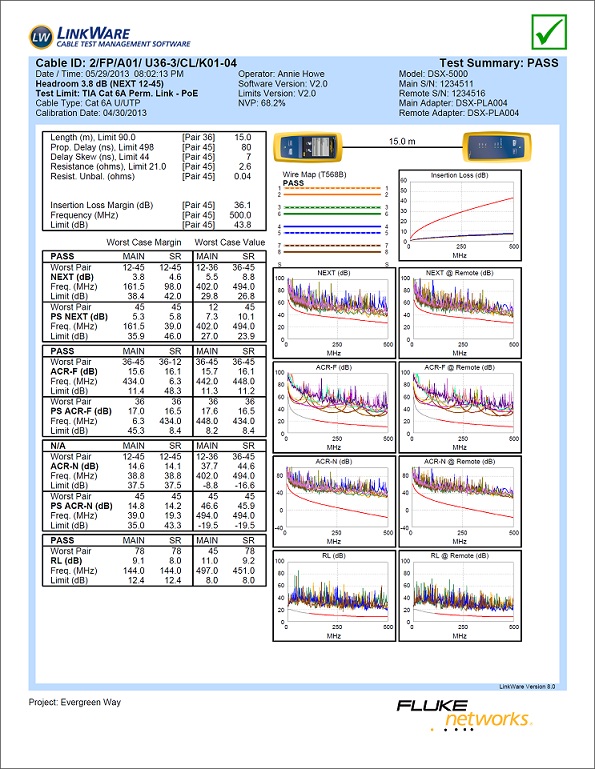
Integrate tests from different testers into one unified report.
LinkWare Stats summarizes all project data
PASS/FAIL Fiber End-face Grading
The FI-7000’s PASS/FAIL fiber end-face grading is available to all Versiv owners. It is included in Versiv firmware v3.0 and higher. To enjoy this free fiber end-face grading, just download the latest Versiv firmware and create a new Project using FiberInspector as the test.
LinkWare™ Live Test Results Management Service
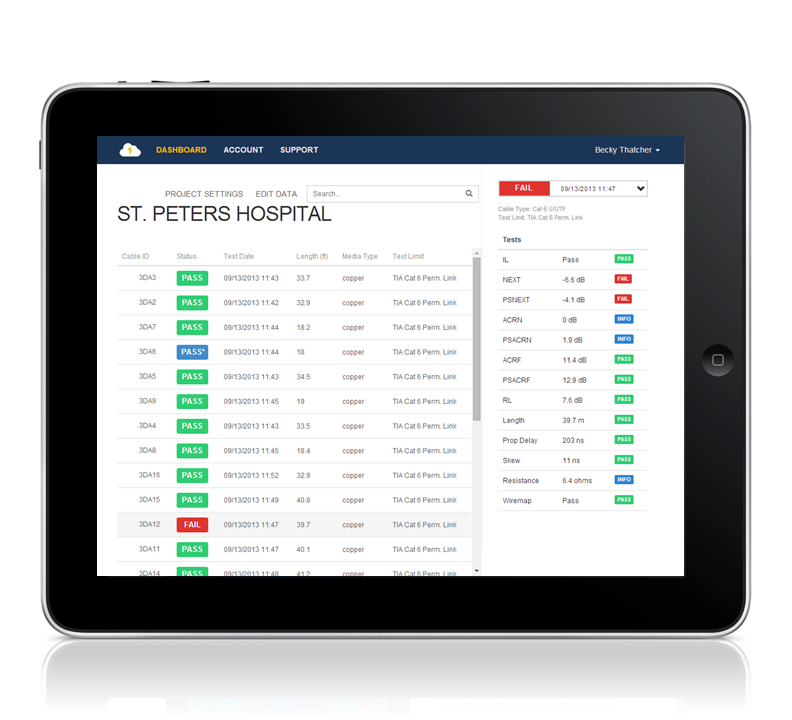
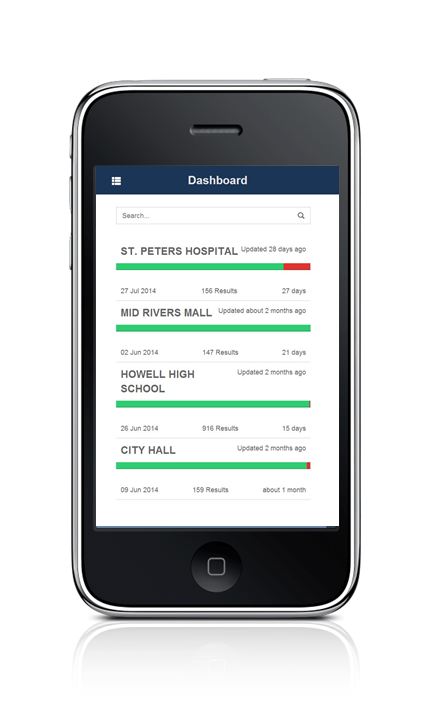
LinkWare Live is a cloud-based service that lets you manage certification jobs anytime, anywhere, with anyone on any device. With LinkWare Live, you can
- Keep track of every test on every job. Get an overview of every project from any smart device. Drill down to each individual test. Instantly receive notification of incorrect test setting or cable IDs.
- Get it right the first time. Define cable IDs and test settings from your PC or tablet. Then send them to the testers or Brother printers at the jobsite for mistake-free testing and labeling.
- Keep your testers up to date. Standards can change without notice, and an out-of-date test report can mean hours of re-testing. LinkWare Live automatically ensures your testers are running the latest.
- Stop wasting time and gas driving testers back to the office. Integrated Wi-Fi allows you to upload your test results straight from the job site to LinkWare Live. Then download them automatically to the right job for fast report generation with LinkWare PC.
- Avoid Project Delays. Track the last used location and monitor the status of all testers to ensure they are always calibrated and running the latest firmware*
- Supports all Versiv models: DSX CableAnalyzer Series, CertiFiber Pro, OptiFiber Pro, and the FI-7000.
*See supported countries.
Models & Accessories
Models
FI2-7000-NW GOLD
FI2-7000-NW Gold Support
Same configuration as the FI2-7000 with integrated Wi-Fi disabled.
GLD-FI-7000
1 year Gold Support for FI2-7000, FI2-7000-NW, FI-7000-W or FI-7000
GLD3-FI-7000
3 year Gold Support for FI2-7000, FI2-7000-NW, FI-7000-W or FI-7000
FI2-7000-MPO-NW
FI2-7000-MPO-NW
FI-1000
FI-1000
FI-1000-KIT
FI-1000-KIT
FI-7000 Models
FI-7000 Models
FI2-7000 GOLD
FI2-7000 Gold Support
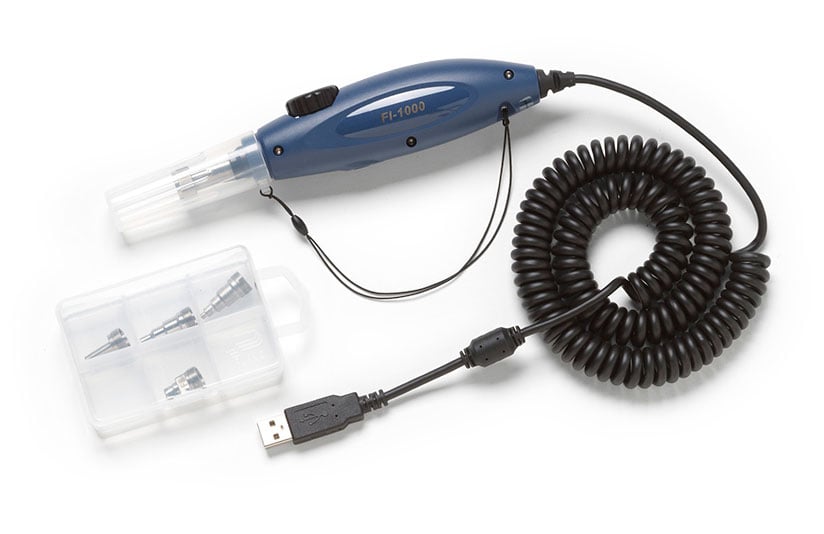
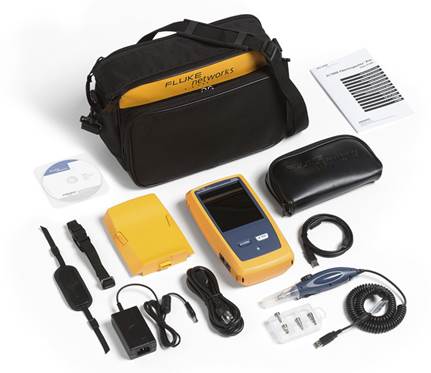
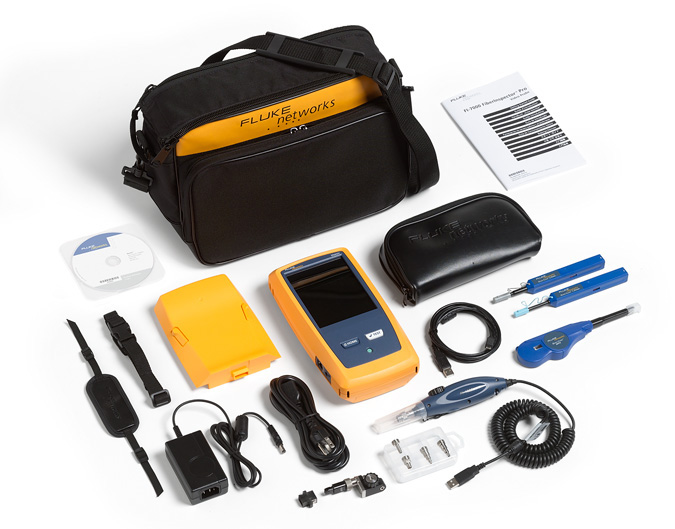
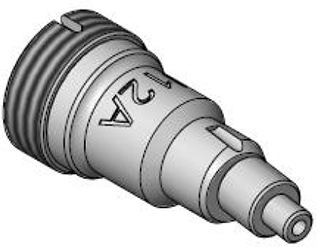
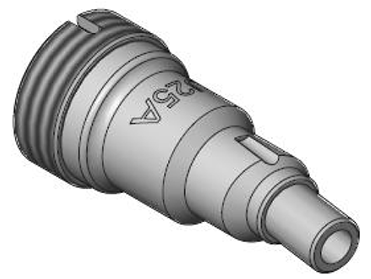
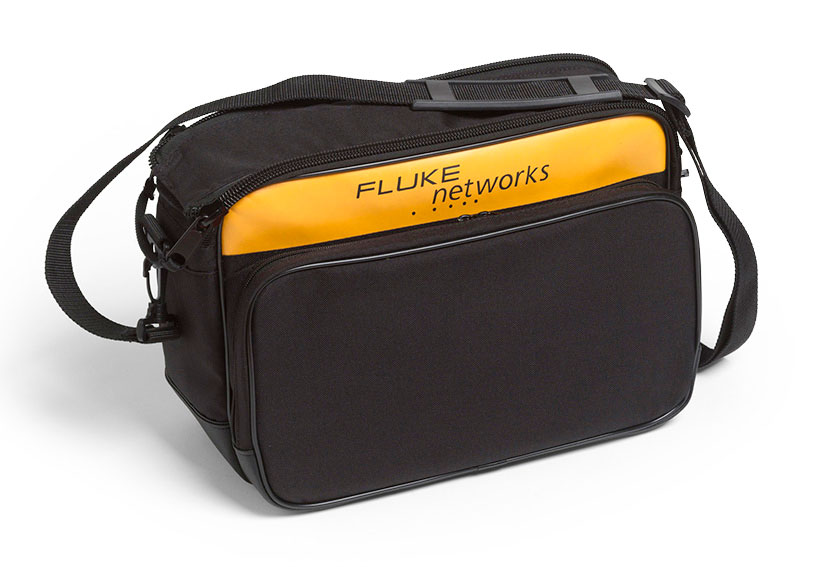
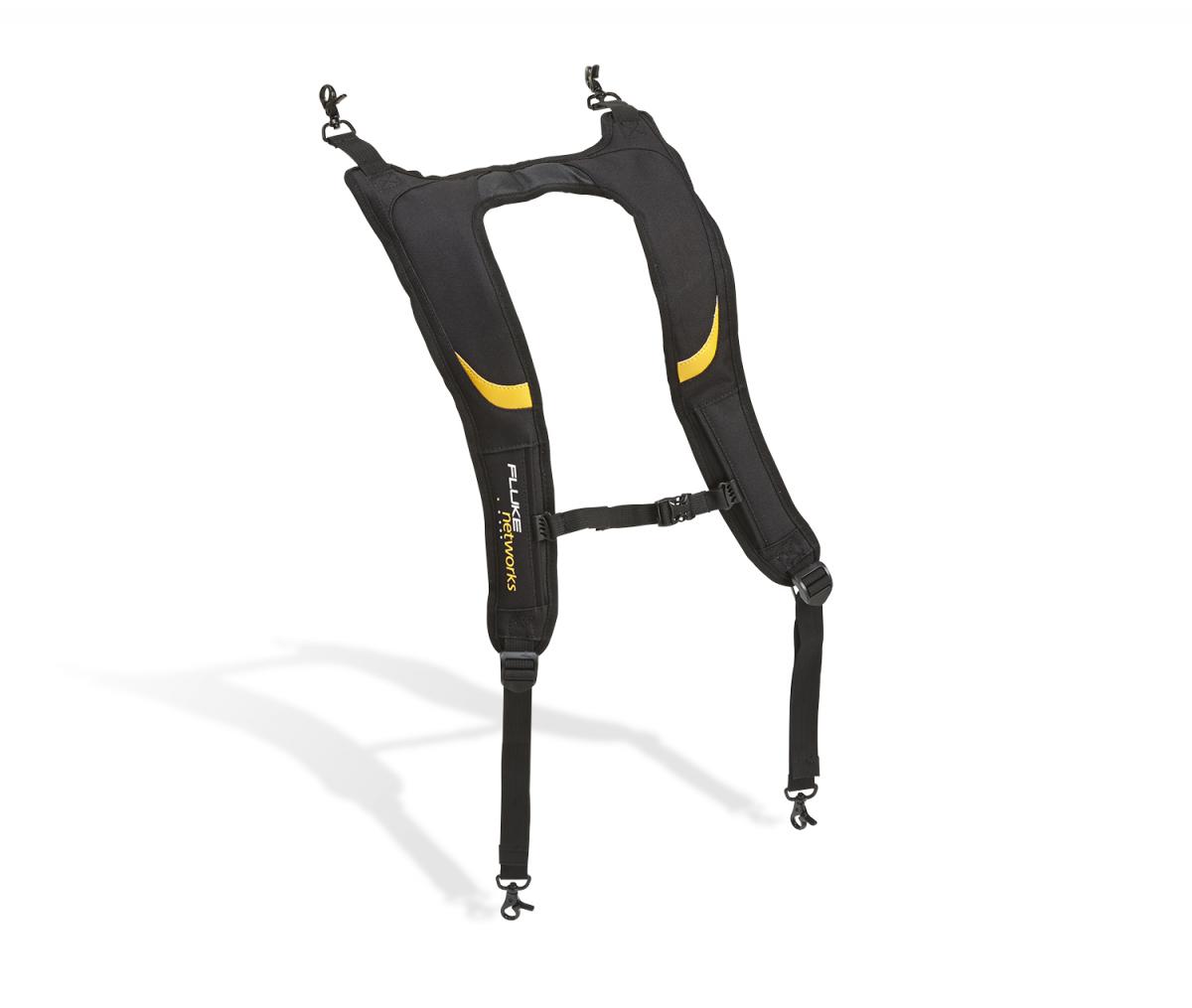
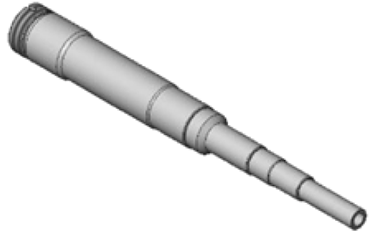
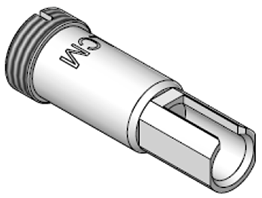
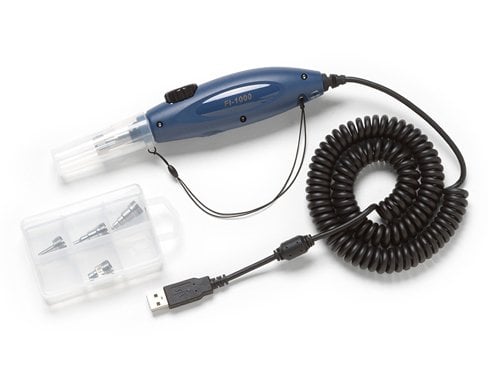
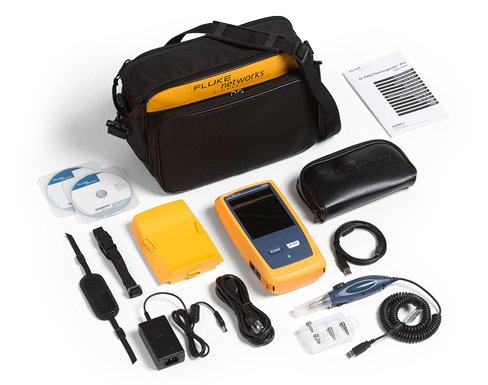
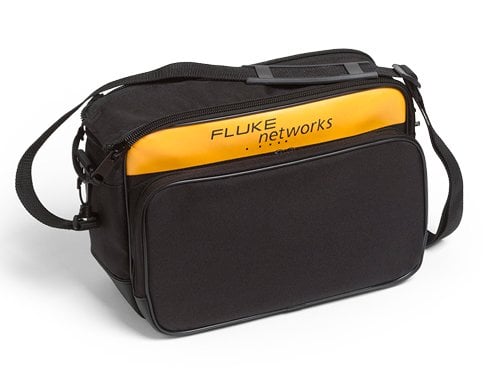
The FI2-7000 FiberInspector Pro contains: Versiv Mainframe, USB Fiber Inspection Video Probe with 4 tips in a box (LC, FC/SC bulkhead, 1.25 and 2.5mm universal), Blank Module to protect the mainframe’s rear connector, AC Charger, Shoulder Strap, USB Interface Cable, Integrated Wi-Fi, Getting Started Guide, Soft Carrying Case. See Photo
GLD-FI-7000
1 year Gold Support for FI2-7000, FI2-7000-NW, FI-7000-W or FI-7000
GLD3-FI-7000
3 year Gold Support for FI2-7000, FI2-7000-NW, FI-7000-W or FI-7000
FI2-7000-MPO GOLD
FI2-7000-MPO Gold Support
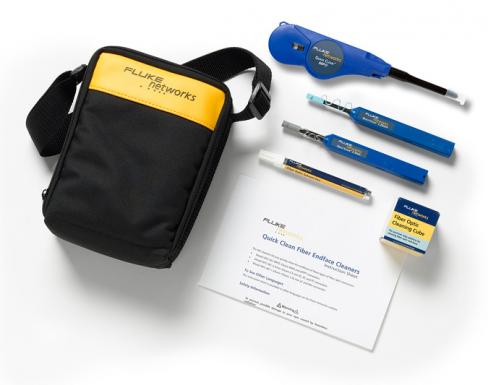
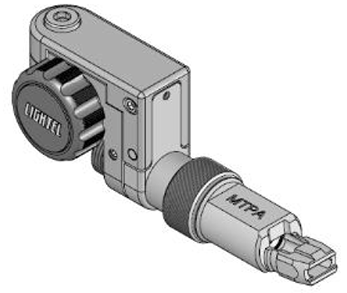
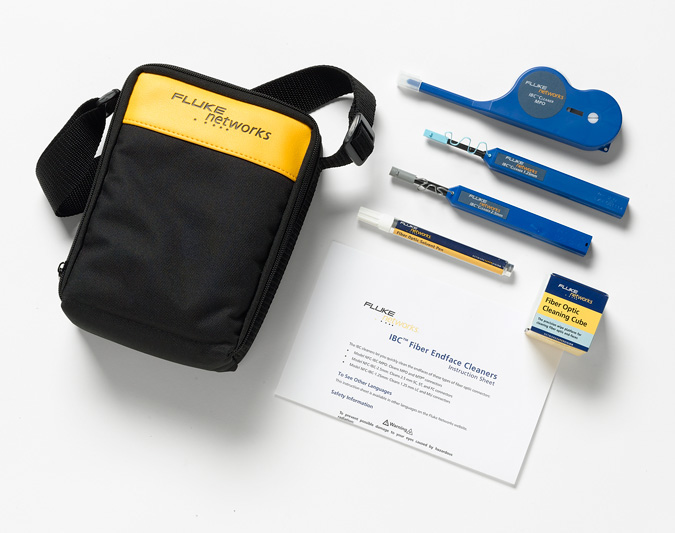
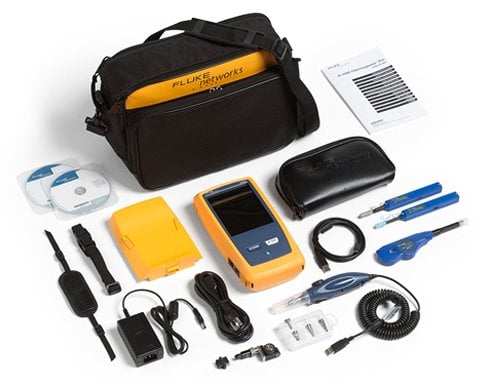
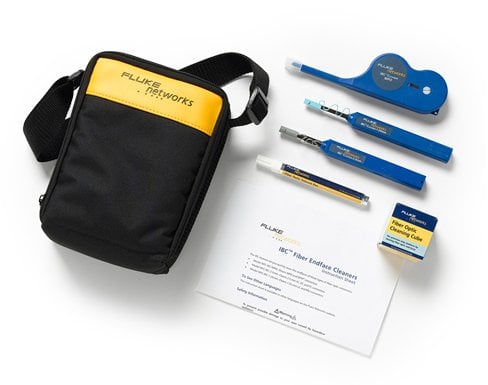
The FI2-7000 FiberInspector Pro with MPO tip and cleaning contains: Versiv Mainframe, USB Fiber Inspection Video Probe with 4 tips in a box (LC, FC/SC bulkhead, 1.25 and 2.5mm universal), MPO Fiber Inspection Adapter Tip, Quick Clean Cleaners for 1.25mm & 2.5mm ferrules and MPO connectors, Blank Module to protect the mainframe’s rear connector, AC Charger, Shoulder Strap, USB Interface Cable, Integrated Wi-Fi, Getting Started Guide, Soft Carrying Case. See Photo
GLD-FI-7000
1 year Gold Support for FI2-7000, FI2-7000-NW, FI-7000-W or FI-7000
GLD3-FI-7000
3 year Gold Support for FI2-7000, FI2-7000-NW, FI-7000-W or FI-7000
Accessories
FI1000-1.25APC-TIP
FI1000-1.25APC-TIP
FI1000-MPOAPC-UTIP
FI1000-MPOAPC-UTIP
FI1000-2.5APC-UTIP
FI1000-2.5APC-UTIP
FI1000-1.25-UTIP
FI1000-1.25-UTIP
FI1000-2.5-UTIP
FI1000-2.5-UTIP
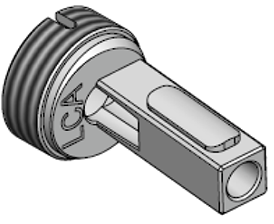
FI1000-LCAPC-TIP
FI1000-LCAPC-TIP
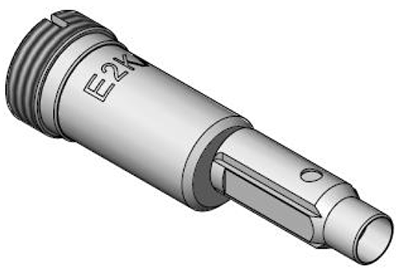
FI1000-E2K-TIP
FI1000-E2K-TIP
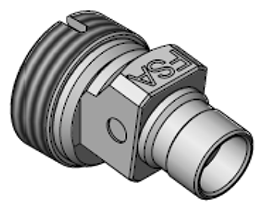
FI1000-SCAPC-TIP
FI1000-SCAPC-TIP
FI1000-E2KAPC-TIP
FI1000-E2KAPC-TIP
FI1000-MU-TIP
FI1000-MU-TIP
FI1000-ST-TIP
FI1000-ST-TIP
FI1000-SCFC-TIP
FI1000-SCFC-TIP
FI1000-MPOAPC-RT
FI1000-MPOAPC-RT
FI1000-MPO-RT
FI1000-MPO-RT
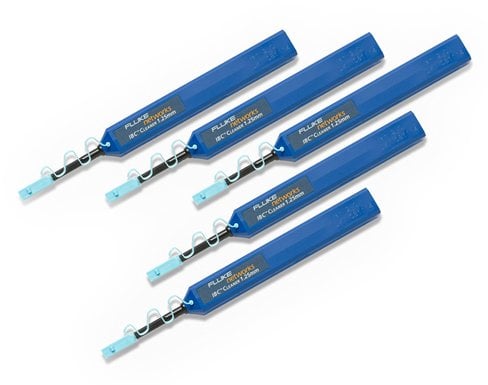
QuickClean-1.25-5P
QuickClean-1.25-5P
NFC-Kit-Case-E
NFC-Kit-Case-E
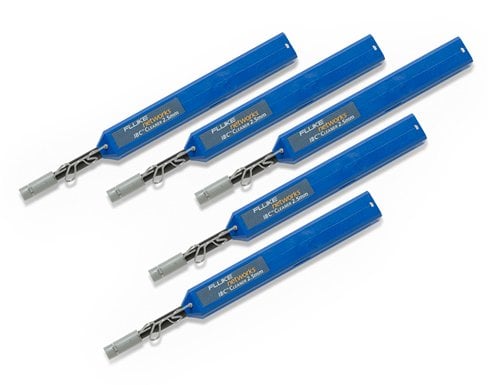
QuickClean-2.5-5P
QuickClean-2.5-5P
VERSIV-SM-CASE
VERSIV-SM-CASE
VERSIV-BACKPK-STRP
VERSIV-BACKPK-STRP
FI1000-MPO-UTIP
FI1000-MPO-UTIP
FI1000-EXND-LC-TIP
FI1000-EXND-LC-TIP
FI1000-LC-PCTIP
FI1000-LC-PCTIP
FI1000-MPO-XY-UTIP
FI1000-MPO-XY-UTIP
FI1000-MPOAPC-XY
FI1000-MPOAPC-XY
FI1000-TIP-KIT
FI1000-TIP-KIT
VERSIV-ADP-WIFI
VERSIV-ADP-WIFI
QuickClean-1.25-1P
QuickClean-1.25-1P
QuickClean-2.5-1P
QuickClean-2.5-1P
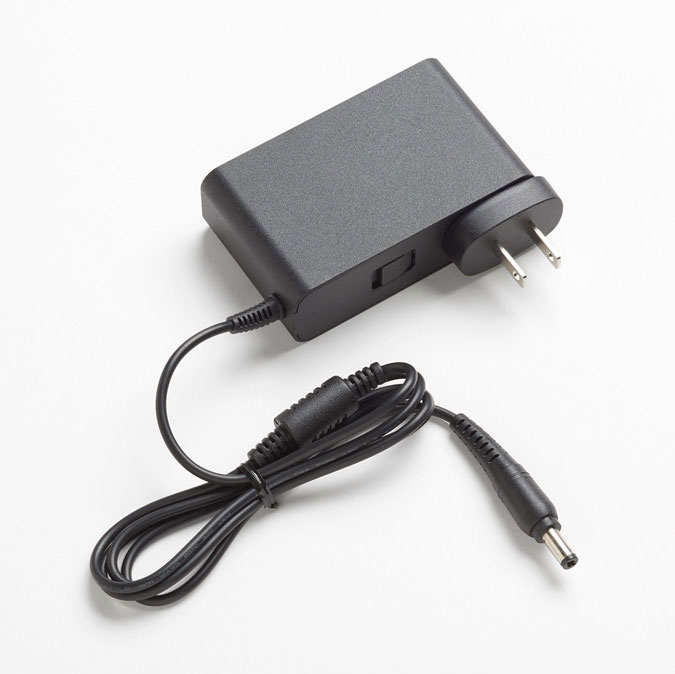
PWR-SPLY-30W
PWR-SPLY-30W
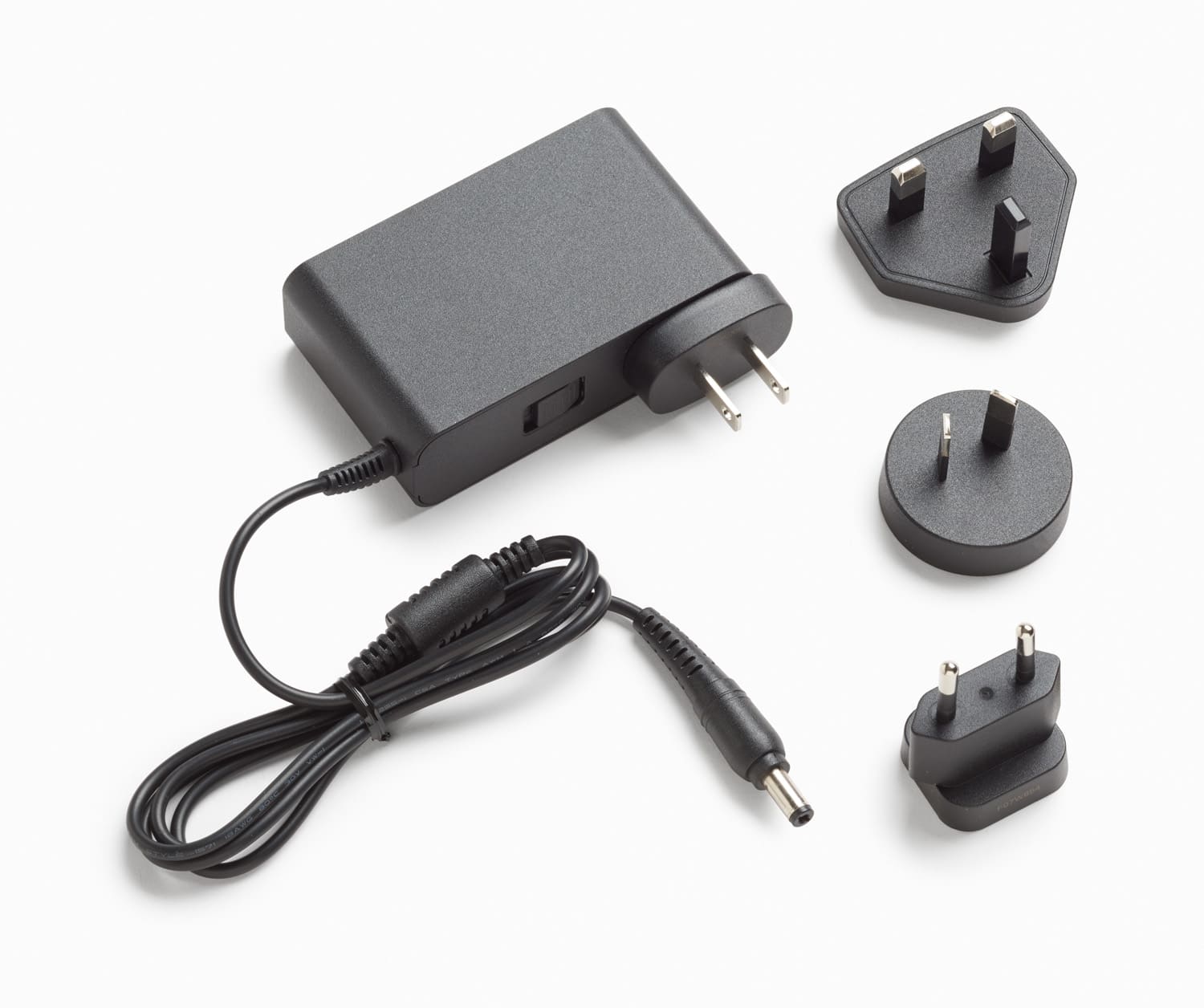
PWR-SPLY-30W INTL
PWR-SPLY-30W INTL
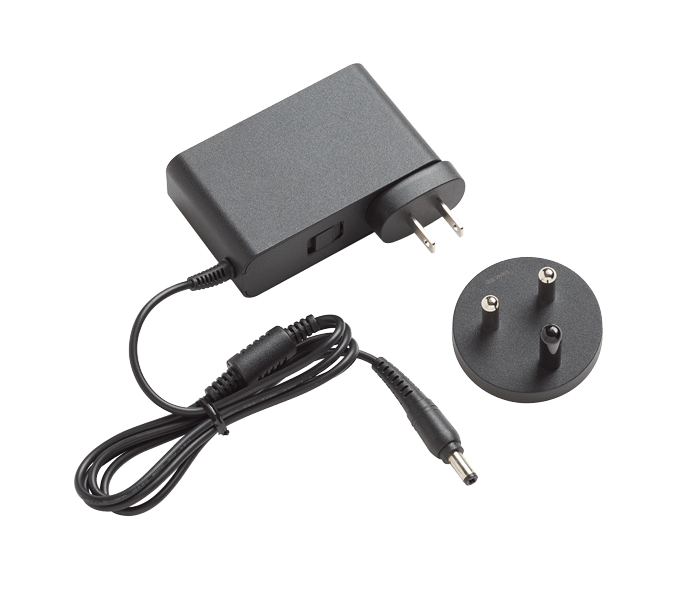
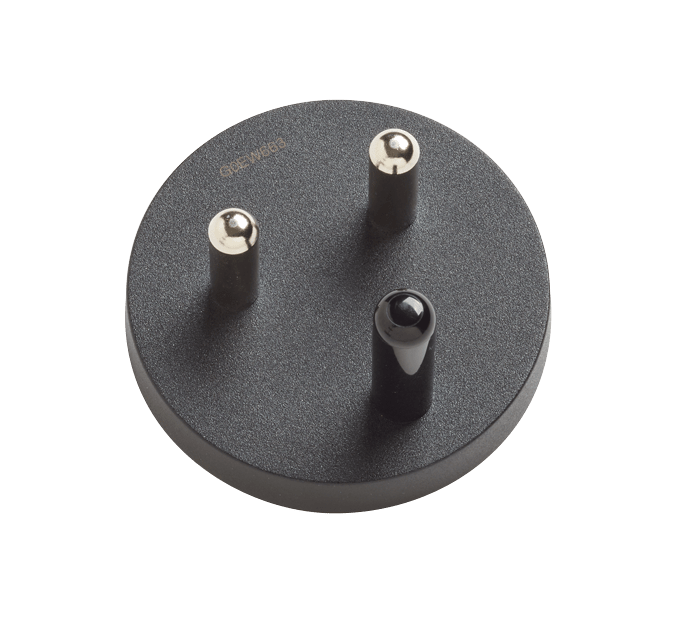
PWR-SPLY-30W SA/IN
PWR-SPLY-30W SA/IN
PWR-SPLY-ADP-SA
PWR-SPLY-ADP-SA
QC-MPO-12/24-1P
QC-MPO-12/24-1P
QC-MPO-12/24-5P
QC-MPO-12/24-5P
QC-MPO-16/32-1P
QC-MPO-16/32-1P
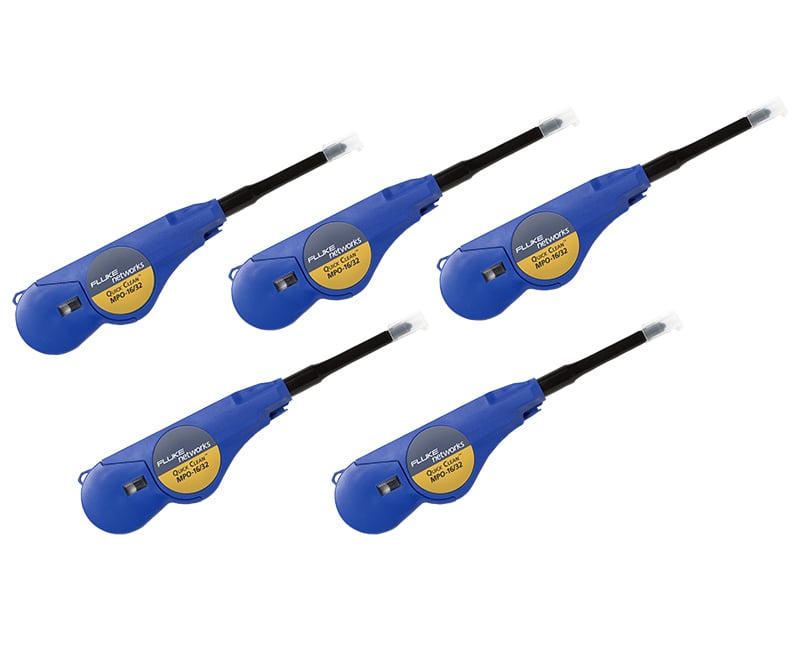
QC-MPO-16/32-5P
QC-MPO-16/32-5P
VERSIV2-M-NW
VERSIV2-M-NW
FI1000-LC-SQ-TIP
FI1000-LC-SQ-TIP
VERSIV2 M/RU KIT
VERSIV2 M/RU KIT
VERSIV2 M/RU-NW KIT
VERSIV2 M/RU-NW KIT
FI1000-ADAPT-60
FI1000-ADAPT-60
Extd Tip SN/MDC
Extd Tip SN/MDC
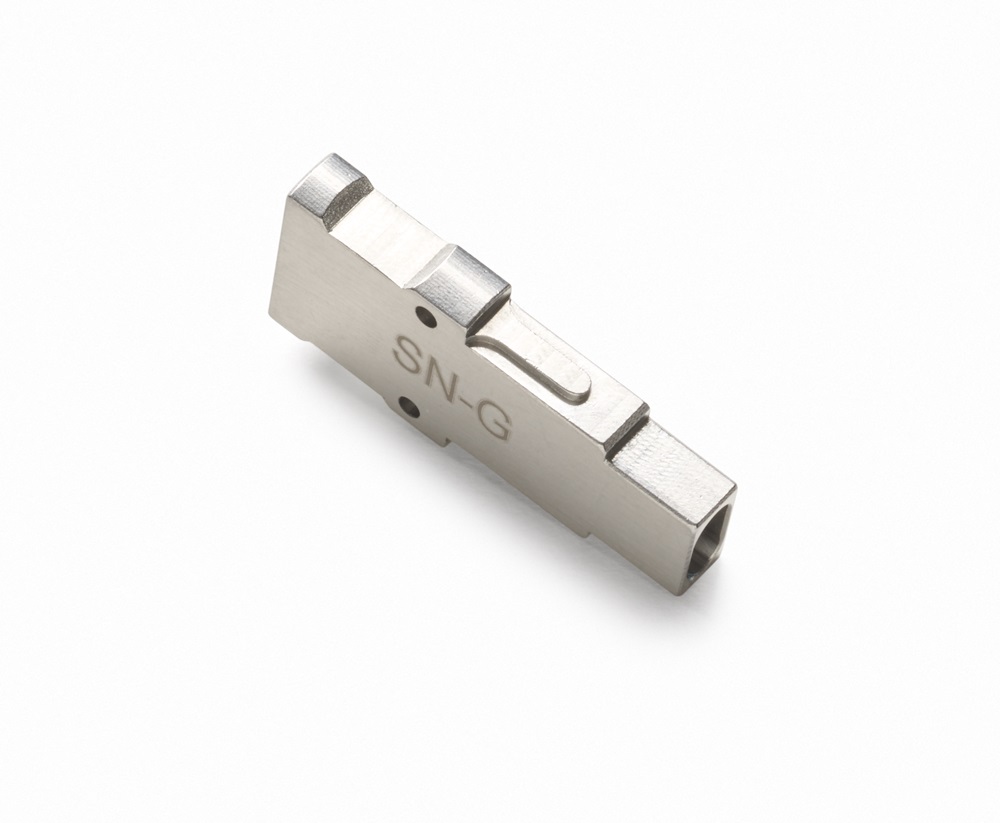
S2 Guide SN Female
S2 Guide SN Female
S2 Guide MDC Female
S2 Guide MDC Female
SN-Extd Tip KIT
SN-Extd Tip KIT
MDC-Extd Tip KIT
MDC-Extd Tip KIT
Probe Tip 1.25 Male
Probe Tip 1.25 Male
Tip w/bend LC APC FM
Tip w/bend LC APC FM
Specifications
Inspection Probe specifications
| Resolution | 2M pixels |
| Light source | Blue LED |
| Power source | Versiv mainframe |
| Field of View (FOV) | Horizontal: 425 µm |
| Minimum detectable particle size | 0.5 µm |
| Dimensions | Approximately 6.75 in x 1.5 in (1175 mm x 35 mm) without adapter tip |
| Weight | 200 g |
| Temperature range | Operating: 32°F to 122°F (0 °C to +50 °C) Storage: -4°F to +158°F (-20°C to +70°C) |
| Certifications | CE |
General specifications
| Weight | Mainframe with module and battery: 3 lbs, 5 oz (1.28 kg) |
| Dimensions | Mainframe with module and battery: 2.625 in x 5.25 in x 11.0 in ( 6.67 cm x 13.33 cm x 27.94 cm) |
| Battery | Lithium ion battery pack, 7.2 volts |
| Battery life | Eleven hour with Inspection probe attached |
| Integrated Wi-Fi | Meets IEEE 802.11 a/b/g/n; dual band (2.4 GHz and 5 GHz) |
Charge Time
| Tester Off | Four hours to charge from 10% to 90% capacity |
| Tester On | Six hours to charge from 10% to 90% capacity with the tester on |
Environmental specifications
| Operating temperature* | -18ºC to 45ºC |
| Non-operating temperature | -30ºC to 60ºC |
| Operating altitude | 4,000 m (13123 ft) 3200 m (10,500 ft) with ac adapter |
| Storage altitude | 12,000 m |
| EMC | EN 61326-1 Vertical: 320 µm |
| Minimum detectable particle size | 0.5 µm |
| Dimensions | Approximately 6.75 in x 1.5 in (1175 mm x 35 mm) without adapter tip |
| Weight | 200 g |
| Temperature range | Operating: 32°F to 122°F (0 °C to +50 °C) Storage: -4°F to +158°F (-20°C to +70°C) |
| Certifications | CE |
General specifications
| Weight | Mainframe with module and battery: 3 lbs, 5 oz (1.28 kg) |
| Dimensions | Mainframe with module and battery: 2.625 in x 5.25 in x 11.0 in ( 6.67 cm x 13.33 cm x 27.94 cm) |
| Battery | Lithium ion battery pack, 7.2 volts |
| Battery life | Eleven hour with Inspection probe attached |
| Integrated Wi-Fi | Meets IEEE 802.11 a/b/g/n; dual band (2.4 GHz and 5 GHz) |
Charge Time
| Tester Off | Four hours to charge from 10% to 90% capacity |
| Tester On | Six hours to charge from 10% to 90% capacity with the tester on |
Environmental specifications
| Operating temperature* | -18ºC to 45ºC |
| Non-operating temperature | -30ºC to 60ºC |
| Operating altitude | 4,000 m (13123 ft) 3200 m (10,500 ft) with ac adapter |
| Storage altitude | 12,000 m |
| EMC | EN 61326-1 |
| * Do not keep battery at temperatures below -20°C (-4°F) or above 50°C (122°F) for periods longer than one week to maintain battery capacity. | |
Documents
Manuals
- FI-7000 Getting Started Guide User documentation
- Versiv Series Technical Reference Handbook, Rev. 13 User documentation for Versiv firmware
- Versiv Series Users Manual, Rev. 9 User documentation for common Versiv Series tasks
- FI-7000 Başlangıç Kılavuzu (Türkçe) Kullanıcı belgeleri
- Guida introduttiva del FI-7000 (Italiano) Documentazione per l'utente
- Versiv™ Series Cabling Certification Product Family - Safety Information
Data Sheets
White Papers
- White Paper: Standard-Compliant Certification & Best Practices White Paper: Standard-Compliant Certification & Best Practices Ensure Fiber End-face Cleanliness to Eliminate the #1 Cause of Fiber Failure
- The Ins and Outs of Testing Bend Insensitive Multimode Fiber (BIMMF): The Need for Encircled Flux
Application Notes
- Fiber Testing Best Practices - Pocket Guide Request your 4” x 6”, sturdy pocket guide that is ideal to take on all your fiber jobs. Includes a quick-action summary and checklist, this guide is an invaluable tool to ensure you never miss a critical step during your fiber testing or troubleshooting.
Flyers
- OM and OS poster
- Gold Support Plan Benefits
- Outfit Your Data Center - Flyer Outfit Your Data Center and Save Up to 15%*
- Product Security Notice
Catalogs
手册
传单
Handbücher
Datenblätter
Manuales
Fichas técnicas
Hoja Publicitaria
Manuels
Fiches techniques
マニュアル
カタログ
Case Studies
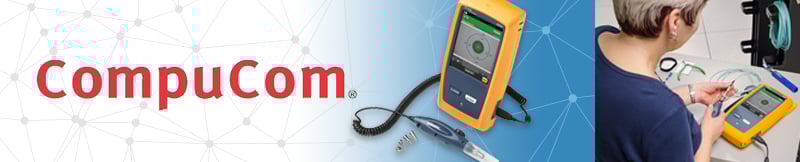
CompuCom Case Study
Challenge: Headquartered in Dallas, Texas, CompuCom enables its customers to focus on their respective core businesses, while CompuCom handles their technology. Offering managed IT services, integration and consulting, as well as teams specializing in data centers, networks, voice and end-user environments, CompuCom supports more than four million users in North America alone. One of CompuCom's customers, a U.S.-based Top 10 Global Retailer, required a higher standard for fiber optic cable inspection, including faster testing and more comprehensive reporting. In response, CompuCom’s team turned to Fluke Networks.
Results: As part of its service to this retailer, the CompuCom team maintains three data centers plus one backup bunker, containing nearly 20,000 servers and more than 150,000 cables. The team chose to adopt the Fluke Networks Versiv cable certification platform with a combination of the FI-7000 FiberInspector™ Pro, OptiFiber® Pro OTDR, and CertiFiber® Pro cable loss testing modules to provide easy repairs and upgrades. Since adopting the FI-7000 when it was first launched, the team has dramatically raised the standards in testing and reporting, while also simplifying test result accessibility and management. The FI-7000 enables faster test results, which have saved thousands of dollars each year. Most important, CompuCom's client has been very pleased with the higher levels of speed, quality and reliability made possible with the FI-7000. So much so, that this client now holds other service providers to similar standards.
Training
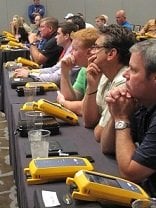
Certified Test Technician Training Course
You need to train and certify your existing employees to stay competitive in the installation and certification of high-speed structured cabling systems. Investing in the Fluke Networks Certified Cabling Test Technician™ (CCTT) training and certification program will not only improve installer skills, but also their effectiveness and productivity on the job in testing, certifying and troubleshooting copper and fiber cabling systems.
Click here for more information on the CCTT program >
FI-7000 FiberInspector™ Pro “Getting Started” Training Video
New to the FI-7000 FiberInspector™ Pro? Learn the basics of operation, including unboxing, set-up, testing and reporting with our free video training courses.
Knowledge Base
Unlimited access to our Knowledge Base - You'll have an open door to valuable proprietary information we've gathered from helping customers over the years. It also includes helpful technical articles written by our experts.
Learn More >Gold Product Support
Gold Support for your FI-7000 FiberInspector Pro allows you to make the most of your FiberInspector Pro purchase while ensuring a higher return on your investment. You will minimize your downtime, receive faster trouble resolution and have total access to all support resources.

Repairs and loaner equipment
If your FI-7000 FiberInspector Pro should fail, we'll deliver a loaner unit via next business day delivery to keep you up and running (Note: The FI-1000 Fiber Inspection Video Probe is repair by replacement. If you have a FI-7000 model that includes the FI-1000 you will get a replacement instead of a loaner). We'll repair your FiberInspector Pro and replace defective accessories that came with your unit at no charge, with "first on bench" priority, and return it to you - all shipping paid by Fluke Networks.
Accessory Replacement
Some accessories are essential to testing and certifying cable. If any accessory that comes with your FI-7000 FiberInspector Pro are qualified as defective or faulty by our technical assistance center, it will be replaced free of charge. Modules are limited to replacement of one set per year, provided they have met the aforementioned criteria.
Access to live 24 x 7 technical support
Extend the expertise of your staff. Gold Support includes priority access to our world-class Technical Assistance Center (TAC). Our centers in Seattle, WA and Eindhoven, NL employ a full staff of highly trained technical experts that are on call, including weekends and through the night, to answer complex troubleshooting questions, including GOLD only services such as: Test set-up and instrument configuration, Fiber testing, Test results interpretation. Let us help you get the most out of your FI-7000 FiberInspector Pro and understand the results you are seeing.
Unlimited access to our Knowledge Base
You’ll have an open door to valuable proprietary information we’ve gathered from helping customers over the years. It also includes helpful technical articles written by our experts
Member Only promotions
Your membership qualifies you for “Members Only” promotions and programs. This includes product discounts, access to reconditioned equipment at special prices and other incredible values.
Ensure that you are getting the most out of your FI-7000 FiberInspector Pro with Gold Support Services.