MultiFiber™ Pro Optical Power Meter and Fiber Test Kits

Product Highlights
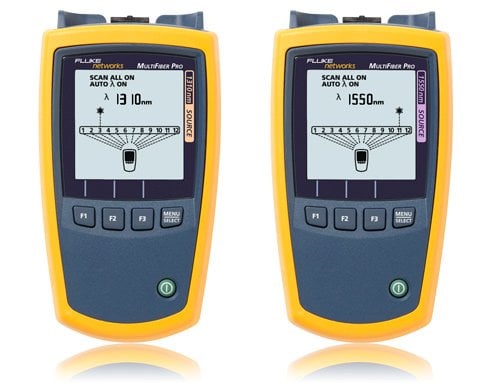
The first MPO fiber tester to support both single mode and multimode MPO fiber certification.
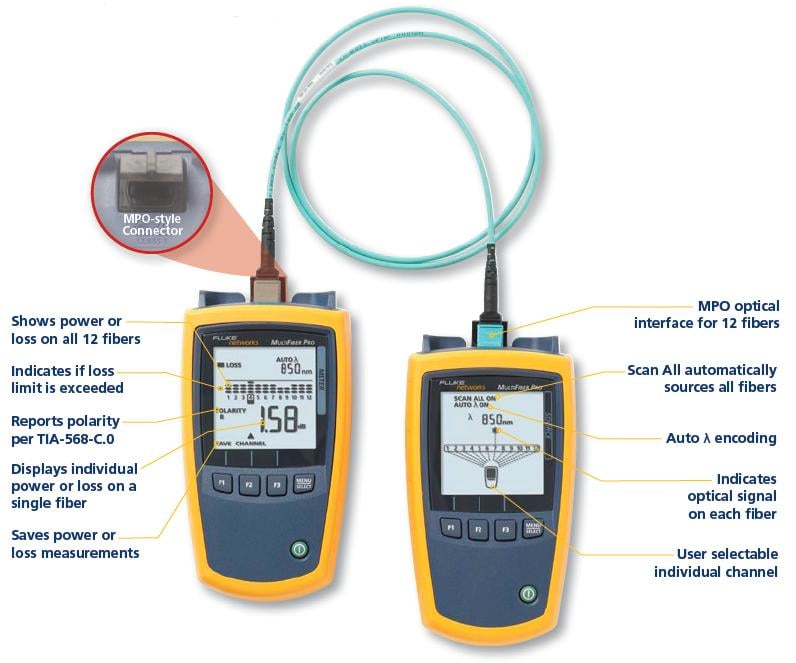
- Automatic scanning and testing of all fibers in MPO connectors with “Scan All”
- Support for both Multimode and Singlemode MPO fiber trunks
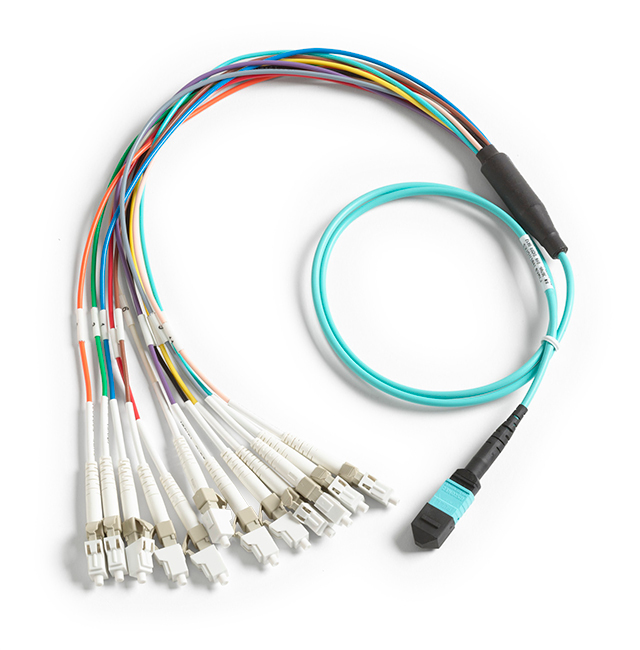
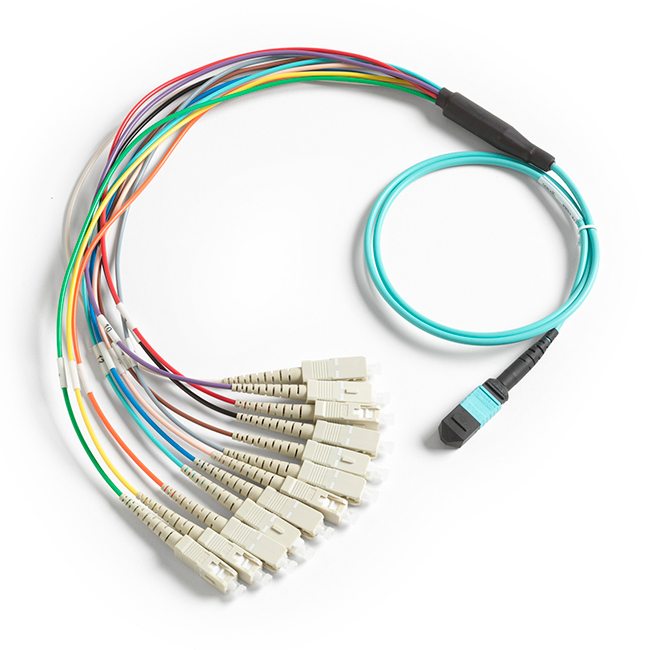
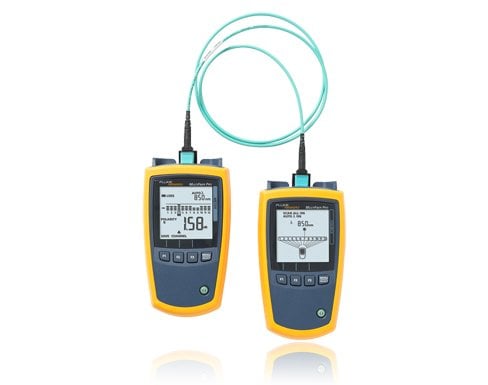
- Eliminates the need for fan-out cords when testing MPO fiber trunks
- Easy to interpret test results with minimal navigation
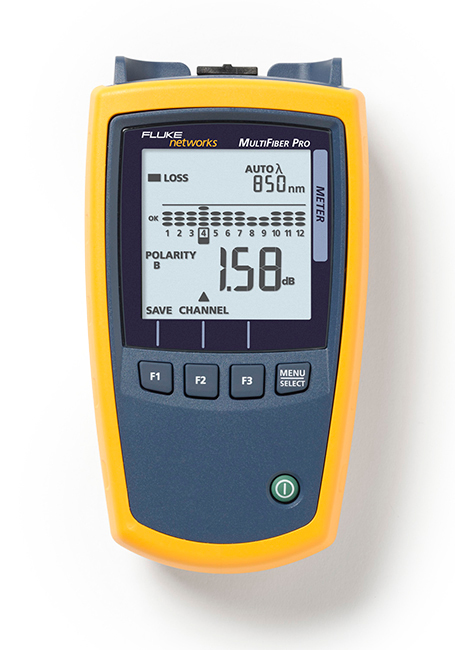
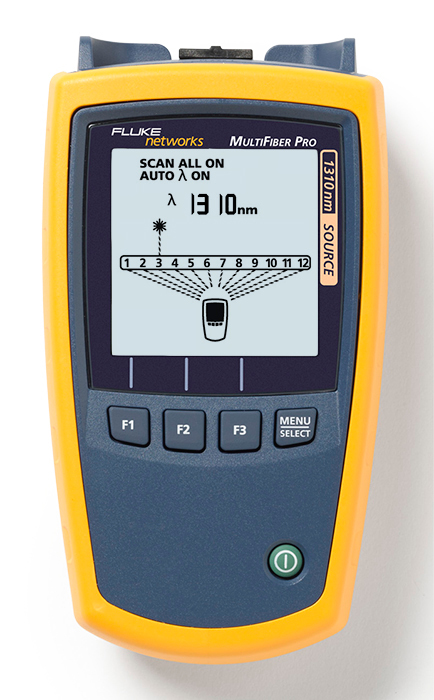
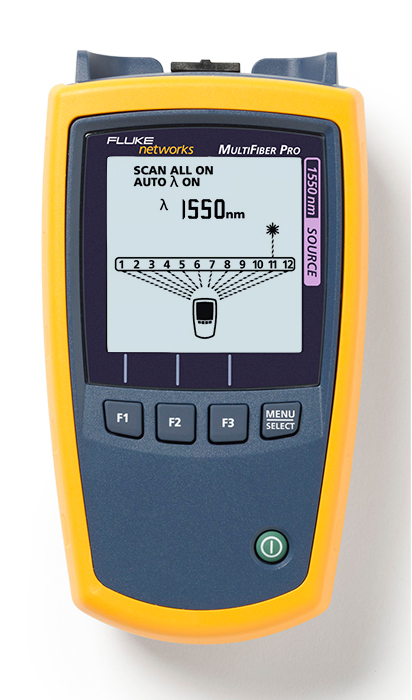
- The user interface displays all 12 fibers View More >
- Automatic 8, 10 and 12 fiber measurements
- Troubleshoot MPO fiber links and drill down to single fiber test results
- Mag Kit Strap Attachment - Strong rare earth magnet attaches to metal surfaces in the testing environment, allowing the technician to work "hands free"
Overview
Introducing the MultiFiber™ Pro Optical Power Meter and Fiber Test Kits.
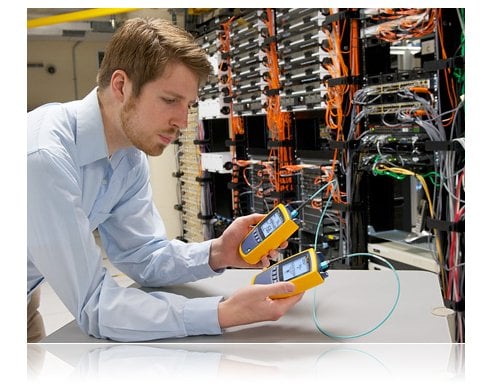
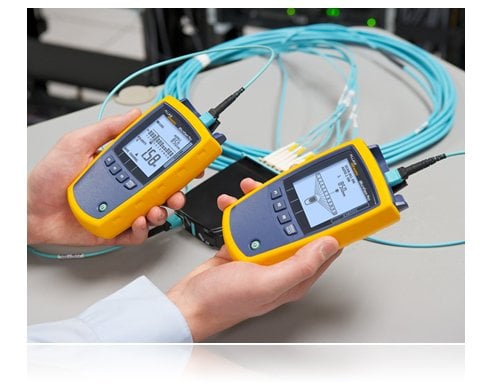
MultiFiber Pro Optical Power Meter and Source is the first fiber tester that can certify MPO fiber trunks without the use of fan-out cords. This single mode and multimode MPO fiber testing kit eliminates the complexity of polarity issues, and it makes cassettes easier to test in the field. Whether using 10 Gbps preterminated MPO fiber trunks or planning for next-generation 40/100 Gbps Ethernet performance, data centers are standardizing on an MPO connector solution. Typical data center fiber installation means time-consuming, manual, and imprecise MPO validation. MultiFiber Pro Optical Power Meter and Source is 90 percent faster than single fiber cable certification because it measures power loss and validates polarity on 12 fibers in a single connector — reducing test time from weeks to days.
Features
"Scan All" Function
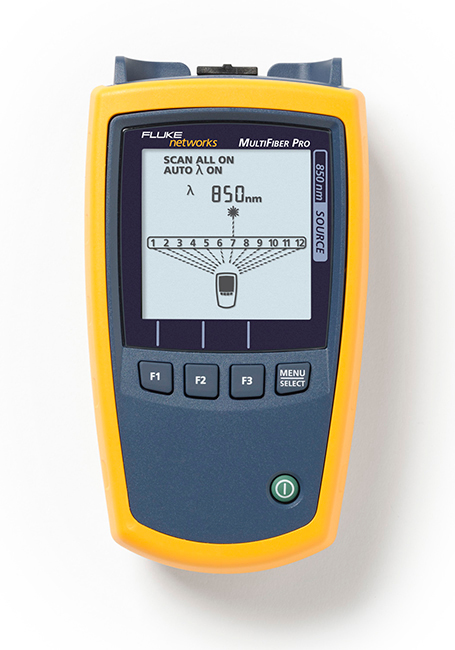
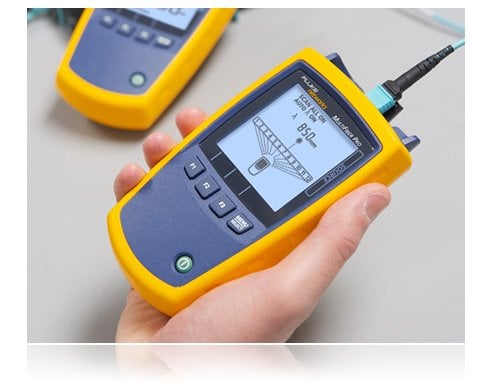
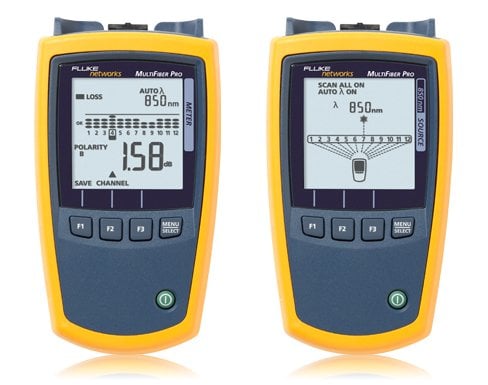
The Scan All function in the MultiFiber Pro Power Meter automatically scans and tests all 12 fibers in MPO connectors – taking just 6 seconds to complete all loss or power measurements. This feature automates the certification of MPO terminated fibers and eliminates the time consuming and manual process of moving the fiber tester from fiber to fiber while using fan-out cords.
Built-in Polarity Verification
The simple purpose of any polarity scheme is to provide a continuous connection from the link’s transmitter to the link’s receiver. For array connectors, TIA-568-C.0 defines three methods to accomplish this: Methods A, B and C. Deployment mistakes are common because these methods require a combination of patch cords with different polarity types. The polarity measurement of MultiFiber Pro allows the user to test individual patch cords, permanent links and channels for correct polarity.
On-board MPO Connector
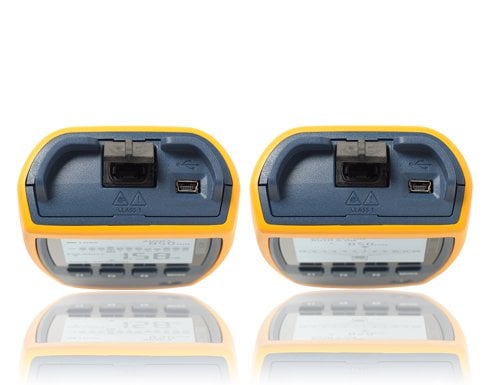
Equipped with MPO connector on both the Optical Power Meter and Light Source, it eliminates the use of costly and complicated fan-out cords to test MPO fibers. 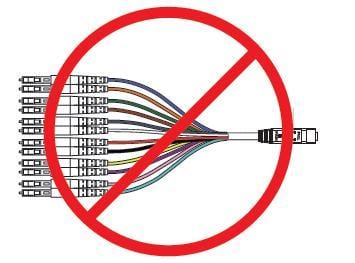 Uncovered ports can put cabling, equipment and testers at risk for contamination and affect performance. Ensuring a covered connection on your tester can protect it from dirt and dust. MultiFiber Pro makes it easy by shuttering the MPO connector giving you greater test reliability and peace of mind.
Simple User Interface
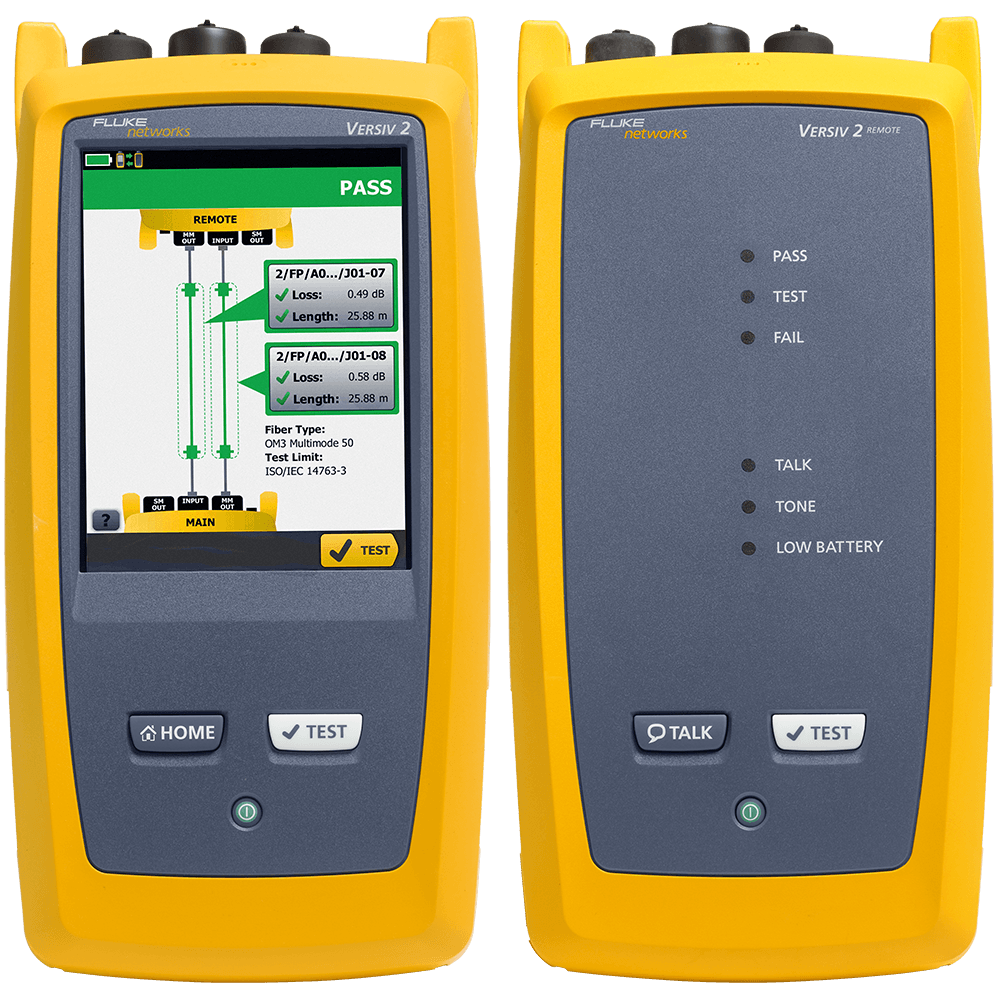
The MultiFiber Pro is so successful at simplifying the task of simultaneously representing polarity, power and loss results for 12 fibers that the user interface is patent pending. The power meter enables the users to easily comprehend the measurement results of 12 fibers simultaneously. The light source identifies each fiber within the MPO connector that is being tested. Any individual measurement that fails the test limit is plainly identified to allow root-cause analysis. This powerful yet straightforward test set enables everyone to become a fiber testing expert and increases efficiency in testing data center projects.
Select an Individual Fiber
One of the main problems in the data center is the ability to drill down to a single fiber during testing and troubleshooting. MultiFiber Pro can troubleshoot a single fiber within an MPO trunk and provide a single fiber test result. This ability increases MPO connector verification and troubleshooting flexibility with more precise, per-fiber data and reporting.
Easy Reporting
The MultiFiber Pro Power Meter stores up to 3,000 test results (or the equivalent of 250 MPO cables) internally which can be uploaded to a PC using the LinkWare™ 7 Cable Test Management Software. LinkWare 7 allows you to manage test results, edit cable ID’s, print professional reports and even export the data into spreadsheet formats. 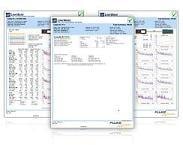
Kits for Every Need
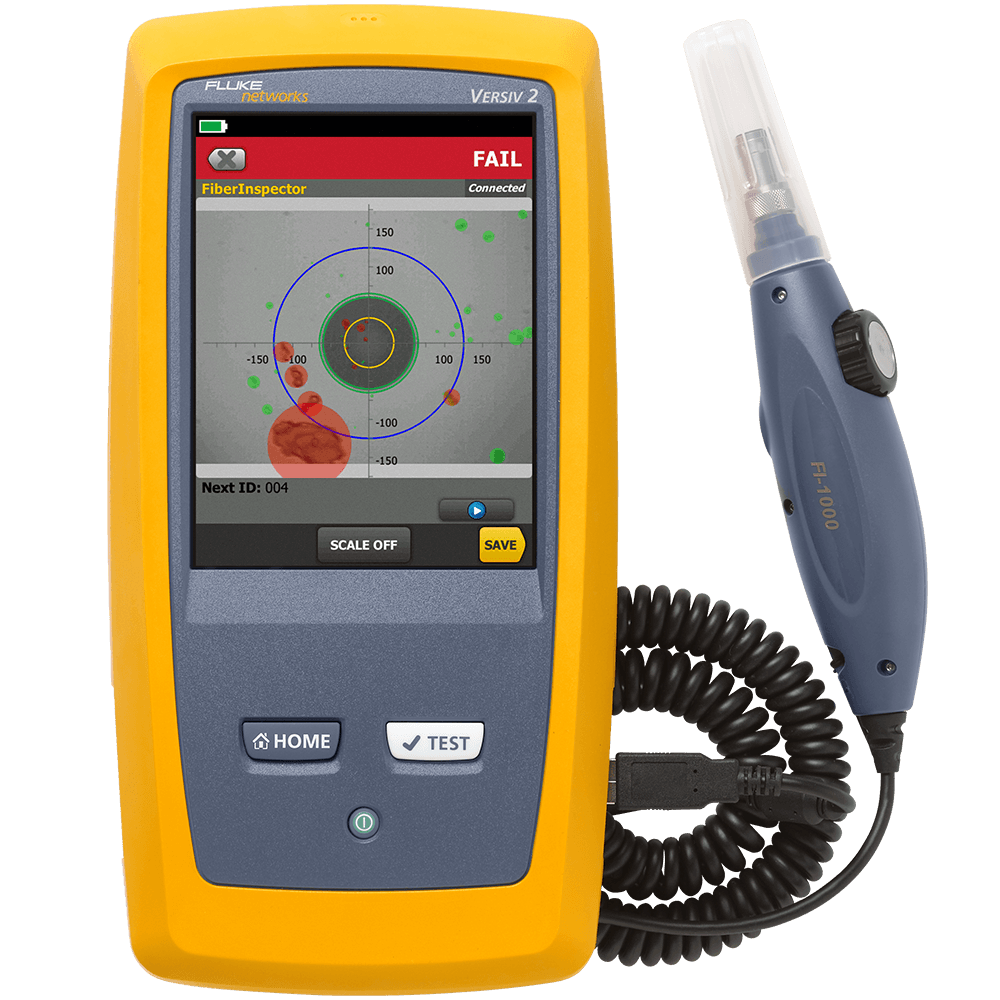
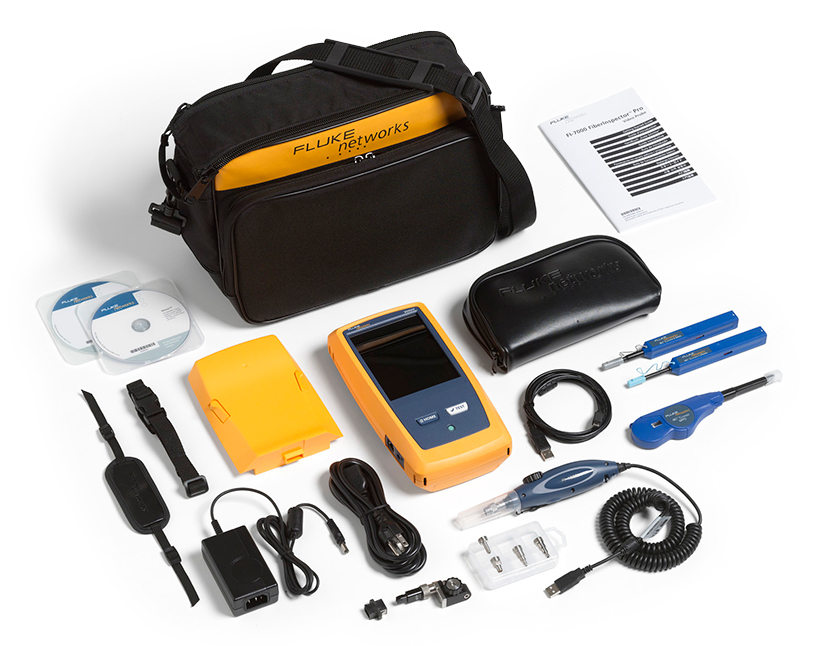
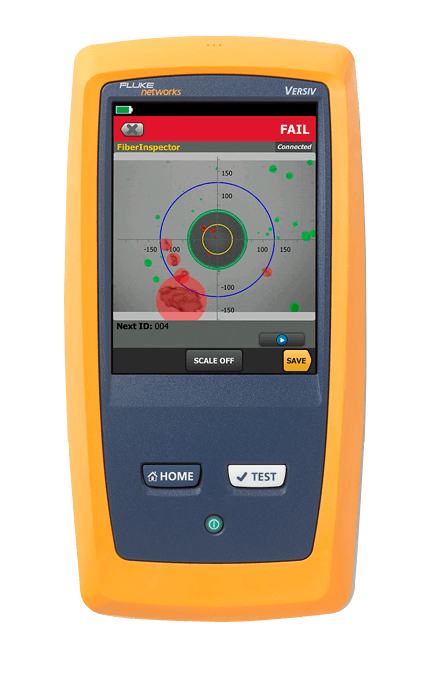
MultiFiber Pro is available in several convenient kit configurations to meet all your cleaning, inspection and verification testing needs. Some kits include: FI-7000 FiberInspector Pro with MPO tip and cleaning supplies The FI-7000 is the ultimate inspection tool. It enables you to quickly inspect and certify fiber end-faces inside ports or patch cords. It’s 2-second automated PASS/FAIL eliminates human subjectivity and enables anyone to become a fiber inspection expert.
- Automated Pass/Fail acceptance testing of fiber end-faces
- Large touchscreen for pinch and zoom
- Graphical indication of problem areas due to contamination, pits, chips, and scratches
- Certify to industry standards - IEC 61300-3-35
- Eliminate human subjectivity from end-face measurements
- Includes MPO tip for inspection probe and MPO cleaner
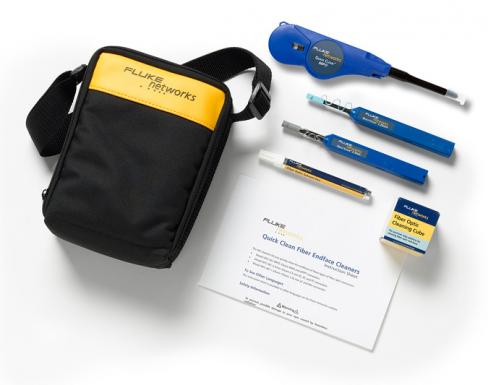
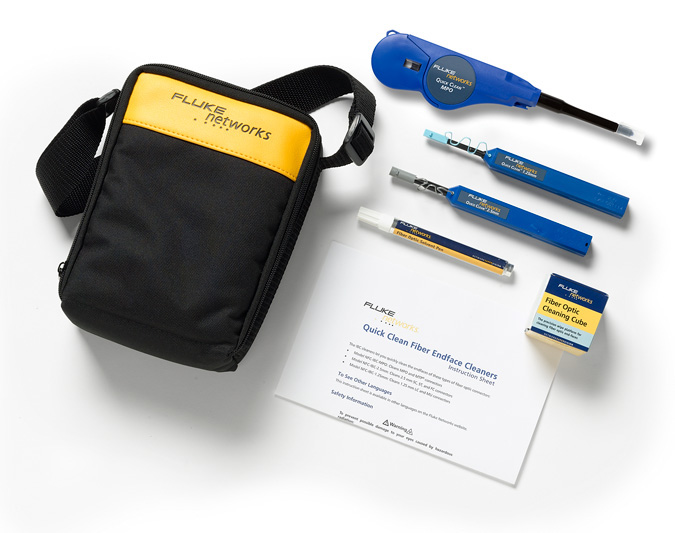
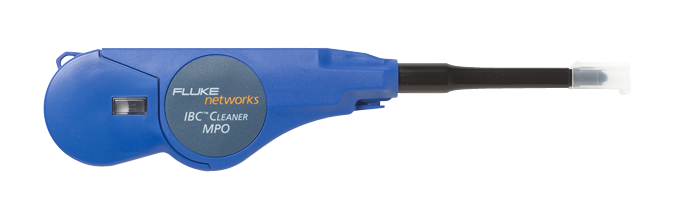
 Fiber Cleaning – Quick Clean™ Cleaners Cleaning is critical. Fluke Networks’ Quick Clean Cleaners instantly clean fiber optic bulkhead connectors and end-faces. Just push the tool tip to engage cleaning action and pull back on the wheel – it’s that simple. The MPO Quick Clean Cleaner is bundled with the MultiFiber Pro kits to ensure that you have the best cleaning tool from the beginning.
Models & Accessories
Models
MFTK1200 GOLD
MFTK1200 Gold Support
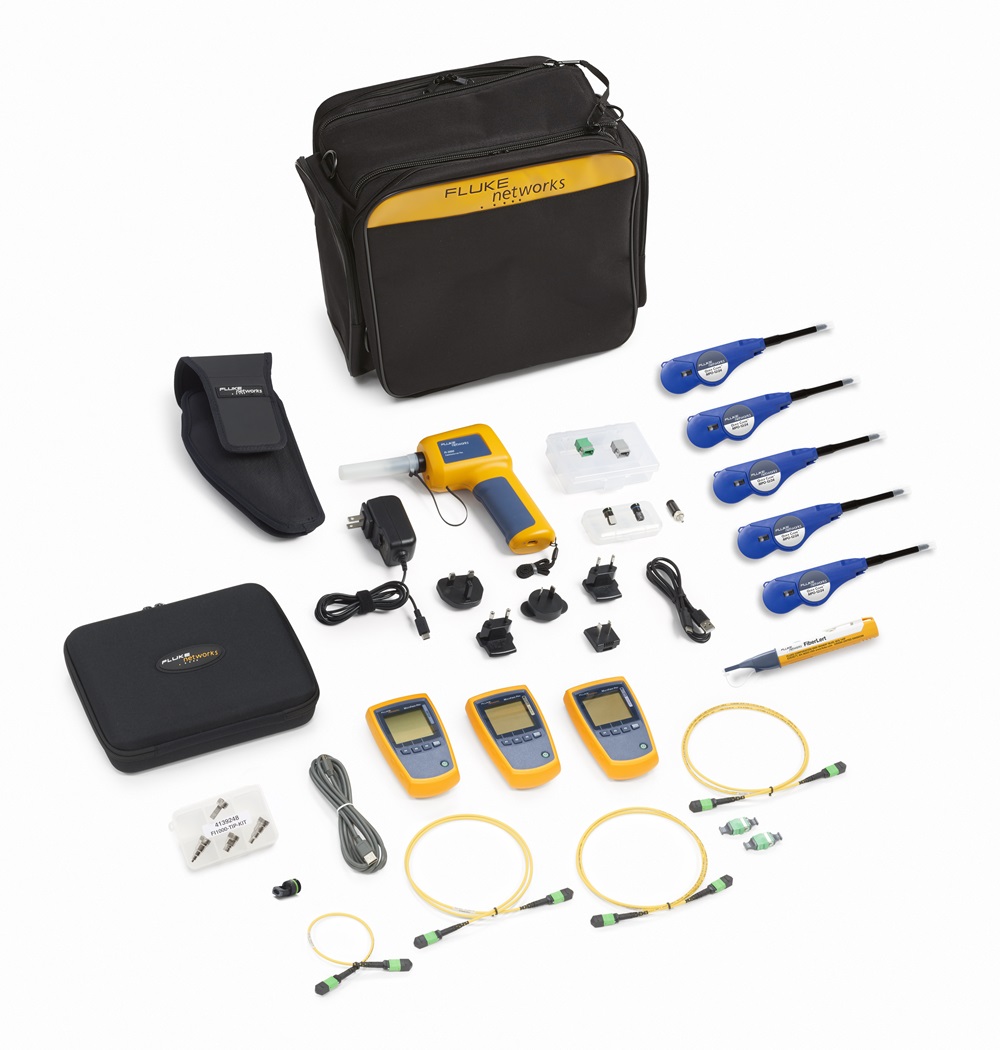
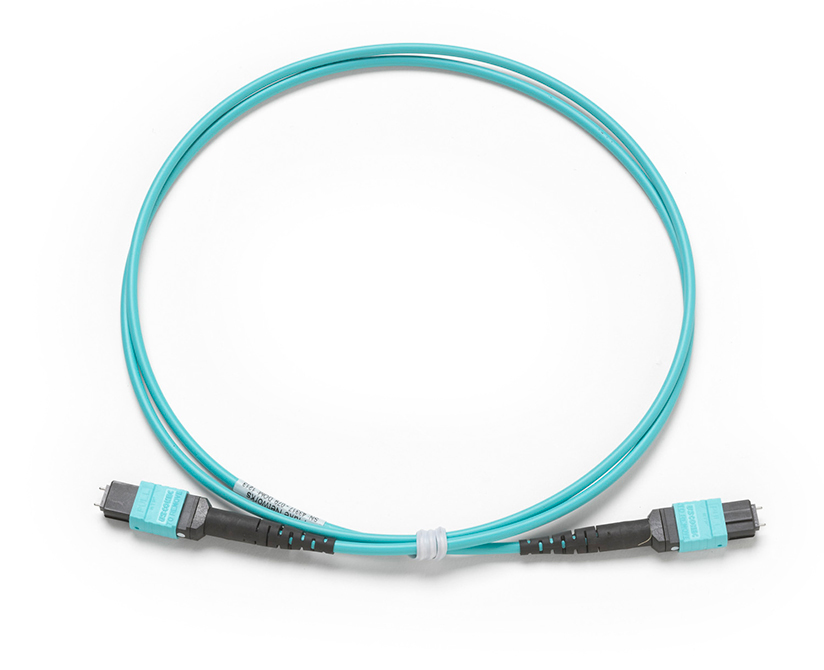
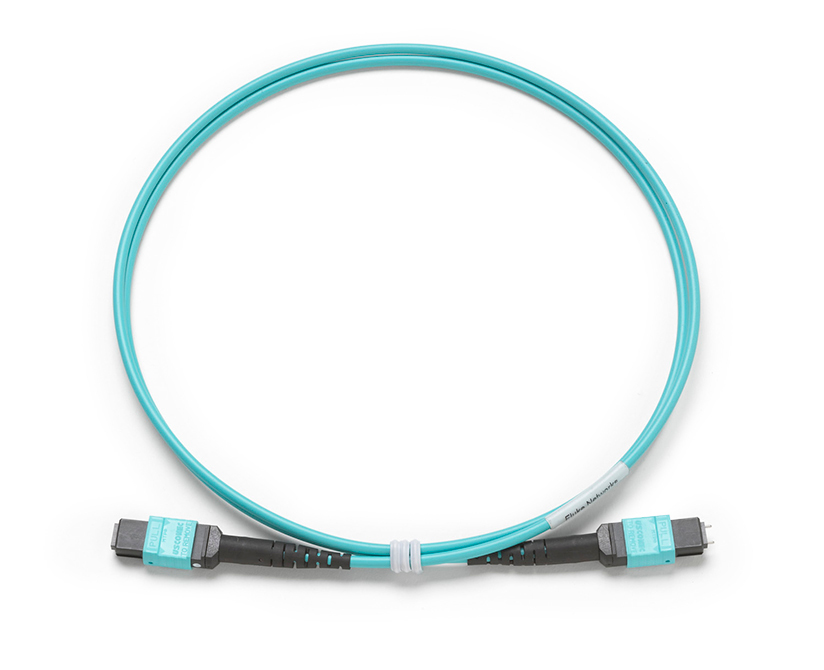
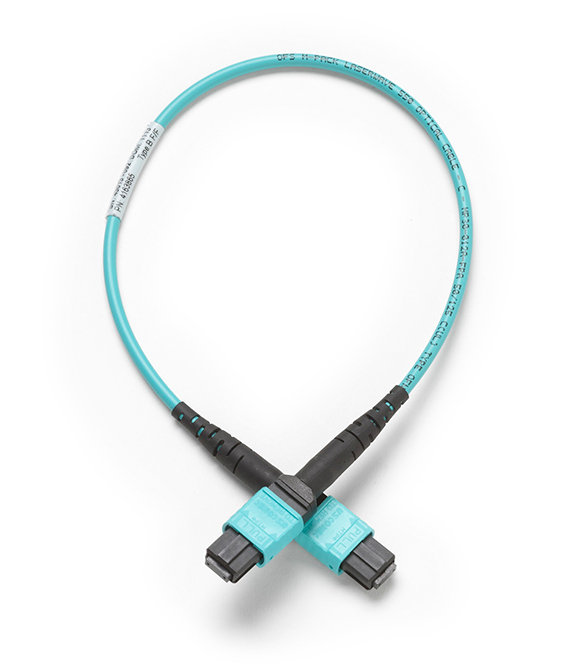
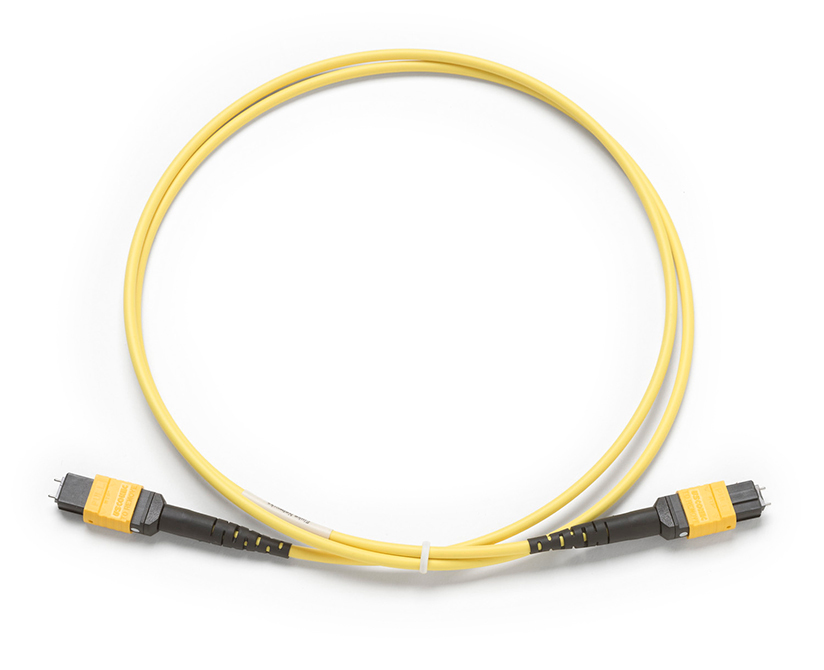
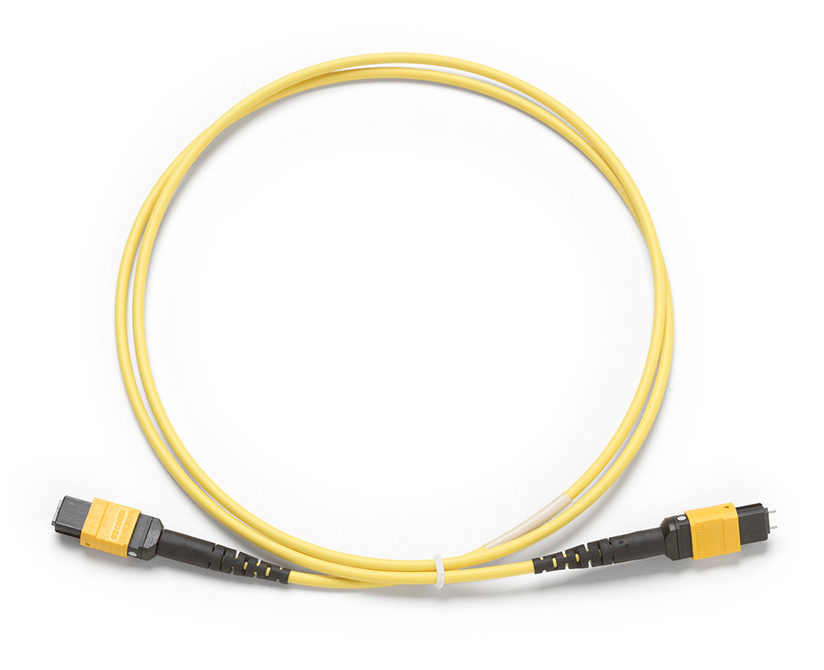
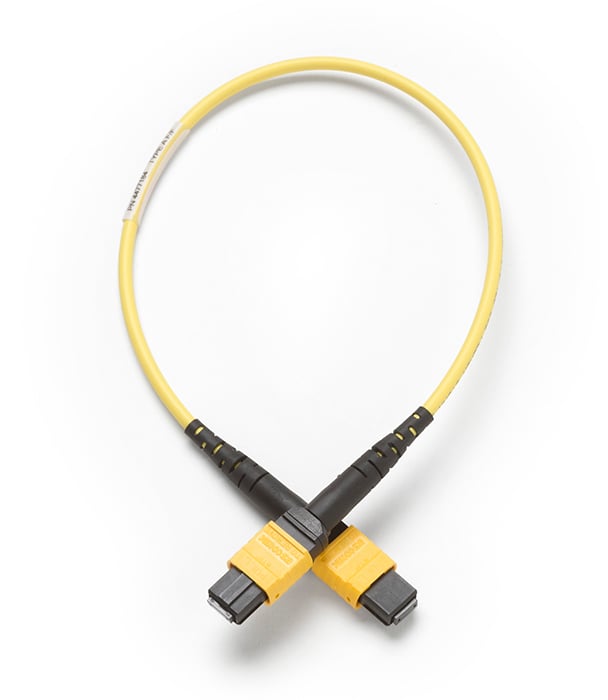
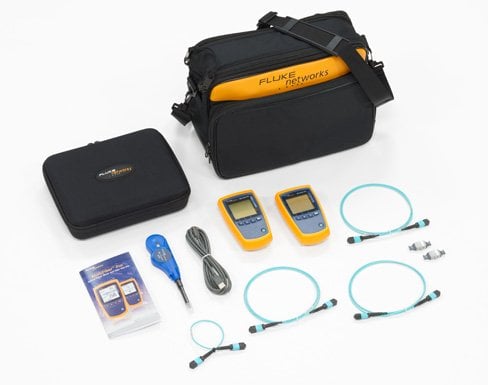
MultiFiber Pro Testing Base Kit includes MultiFiber Pro Power Meter, 850 Light Source, Test Cords, MPO adapters, Magnetic strap attachments and carrying case.
Learn more about Fluke Premium Care – Gold
GLD-MFTK-2 — 1 YEAR GOLD FOR MFTK 1200, MFTK-SM1310, MFTK1400, MFTK-SM1550GLD3-MFTK-2
3 YEAR GOLD FOR MFTK 1200, MFTK-SM1310, MFTK1400, MFTK-SM1550
MFTK-SM1310 GOLD
MFTK-SM1310 Gold Support
GLD-MFTK-2
1 YEAR GOLD FOR MFTK 1200, MFTK-SM1310, MFTK1400, MFTK-SM1550
GLD3-MFTK-2
3 YEAR GOLD FOR MFTK 1200, MFTK-SM1310, MFTK1400, MFTK-SM1550
MFTK-SM1550 GOLD
MFTK-SM1550 Gold Support
GLD-MFTK-2
1 YEAR GOLD FOR MFTK 1200, MFTK-SM1310, MFTK1400, MFTK-SM1550
GLD3-MFTK-2
3 YEAR GOLD FOR MFTK 1200, MFTK-SM1310, MFTK1400, MFTK-SM1550
MFTK-DC SM Test Kit
MFTK-DC SM Test Kit
MFTK-DC MM/SM Kit
MFTK-DC MM/SM Kit
Bundles
MFTK-MM850-SM1310 GOLD
MFTK-MM850-SM1310 Gold Support
GLD-MFTK-3
1 YEAR GOLD FOR MFTK-SM1310-SM1550, MFTK-MM850-1310, MFTK-MM850-1550
GLD3-MFTK-3
3 YR GOLD FOR MFTK-SM1310-SM1550, MFTK-MM850-1310, MFTK-MM850-1550
MFTK-MM850-SM1550 GOLD
MFTK-MM850-SM1550 Gold Support
GLD-MFTK-3
1 YEAR GOLD FOR MFTK-SM1310-SM1550, MFTK-MM850-1310, MFTK-MM850-1550
GLD3-MFTK-3
3 YR GOLD FOR MFTK-SM1310-SM1550, MFTK-MM850-1310, MFTK-MM850-1550
MFTK-SM1310-SM1550 GOLD
MFTK-SM1310-SM1550 Gold Support
GLD-MFTK-3
1 YEAR GOLD FOR MFTK-SM1310-SM1550, MFTK-MM850-1310, MFTK-MM850-1550
GLD3-MFTK-3
3 YR GOLD FOR MFTK-SM1310-SM1550, MFTK-MM850-1310, MFTK-MM850-1550
Accessories
MFPOWERMETER
MFPOWERMETER
MFMULTIMODESOURCE
MFMULTIMODESOURCE
QuickClean-1.25-5P
QuickClean-1.25-5P
QuickClean-2.5-5P
QuickClean-2.5-5P
NFC-KIT-CASE-E
NFC-KIT-CASE-E
MF1310source
MF1310source
MF1550source
MF1550source
FI2-7000-MPO
FI2-7000-MPO
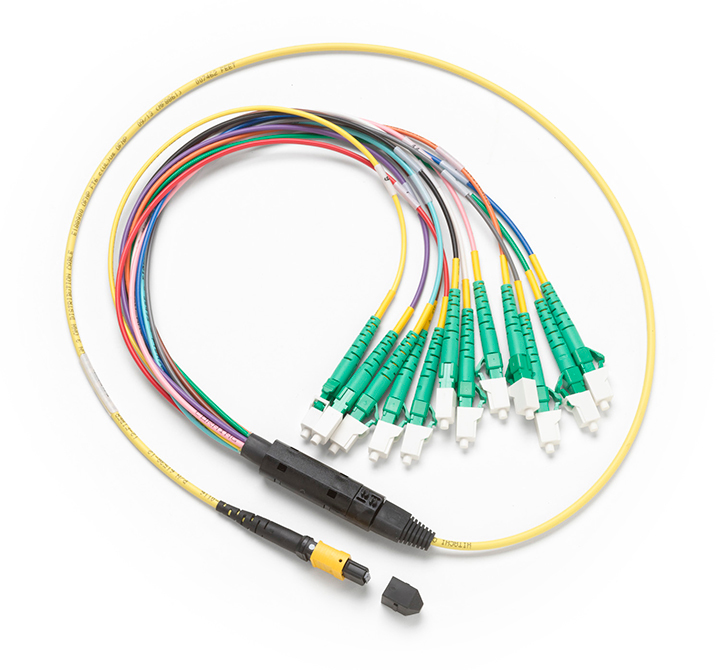
TRC-MPO-PP-B
TRC-MPO-PP-B
TRC-MPO-UP-B
TRC-MPO-UP-B
TRC-MPO-UU-B
TRC-MPO-UU-B
TRC-SM-MPOAPC-PP-A
TRC-SM-MPOAPC-PP-A
TRC-SM-MPOAPC-UP-A
TRC-SM-MPOAPC-UP-A
TRC-SM-MPOAPC-UU-A
TRC-SM-MPOAPC-UU-A
BKC-MPO-ULC
BKC-MPO-ULC
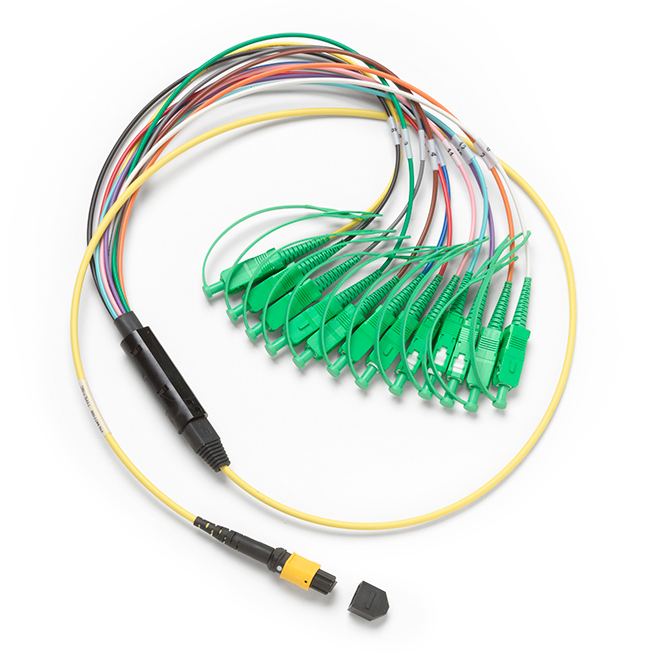
BKC-MPO-USC
BKC-MPO-USC
SBKC-MPOAPCU-LCAP
SBKC-MPOAPCU-LCAP
SBKC-MPOAPCU-SCAP
SBKC-MPOAPCU-SCAP
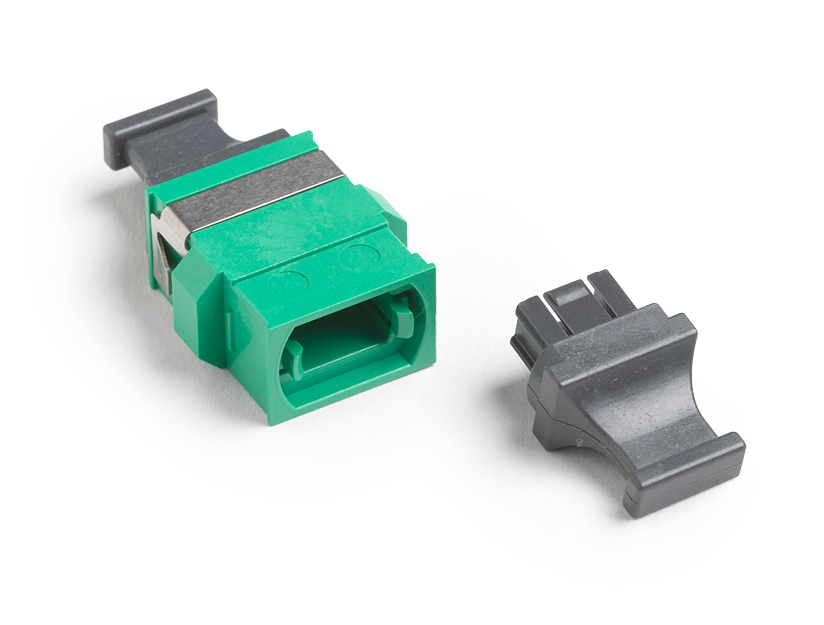
ADP-MPO-A
ADP-MPO-A
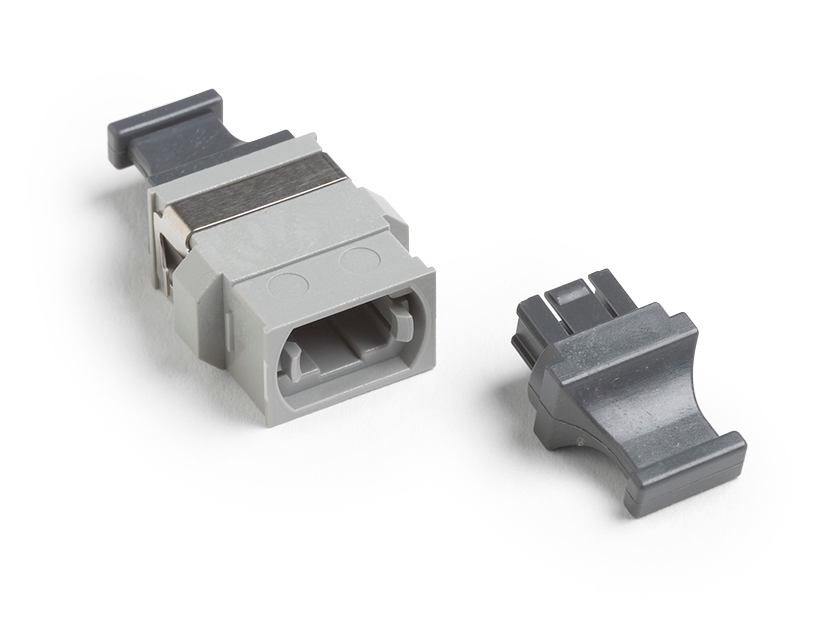
ADP-MPO-B
ADP-MPO-B
QuickClean-1.25-1P
QuickClean-1.25-1P
QuickClean-2.5-1P
QuickClean-2.5-1P
MS2-MAG-KIT
MS2-MAG-KIT
Specifications
Environmental
| Operating temperature | -10ºC to +50ºC | ||
| Storage temperature | -20ºC to +50ºC | ||
| Operating humidity | 95% (10ºC to +35ºC) non-condensing 75% (35ºC to +45ºC) non-condensing Uncontrolled <10ºC |
||
| Operating altitude | 4,000 m | ||
| Storage altitude | 12,000 m | ||
| Vibration | Random 2 G, 5 Hz to 500 Hz | ||
| Optical Power Meter (Specifications apply at 23ºC (73ºF), unless otherwise noted.) | |||
| Detector type | InGaAs | ||
| Calibrated wavelengths | 850 nm, 1300 nm, 1310 nm, 1550 nm | ||
| Measurement range | 0 dBm to -50 dBm | ||
| Test time Power measurement linearity | 6 seconds ±0.1 dB2 | ||
| Power measurement uncertainty | ±0.35 dB2 | ||
| Power measurement repeatability | < 0.10 dB2 | ||
| Display resolution, dB or dBm | 0.01 | ||
| Power display units | dBm, mW, µW | ||
| User-selectable limit for loss | 0.05 dB to 50.0 dB, in increments of 0.05 dB up to 10.0 dB and 0.1 dB up to 50.0dB | ||
| Auto wavelength detection | Yes | ||
| Polarity detection | Detects A, B, C, and Corning Plug & Play™ Universal Systems polarities | ||
| 2 kHz detection | Yes | ||
| Record storage | 3000 records, one fiber per record (250 12-fiber cables) | ||
| External interface | USB 2.0, full speed | ||
| Optical connector | MPO interface for 12-fiber, unpinned plugs. Compatible with 62.5 µm, 50 µm, and singlemode fibers. Connector has a self-closing, protective cover. | ||
| Power requirement | 2 AA alkaline batteries | ||
| Battery life3 | 30 hours (typical) | ||
| Automatic power-off | 10, 20, 30, or 60 minutes (can be disabled by the user) | ||
| Low battery warning | Low battery icon blinks | ||
| Size | 5.8 in x 3.2 in x 1.6 in (14.7 cm x 8.0 cm x 4.0 cm) | ||
| Weight | 10.9 oz (309 g) | ||
| Sources | |||
| Emitter type | LED | Laser | Laser |
| Wavelength | 850 nm ±30 nm | 1310 nm ±20 nm | 1550 nm ±20 nm |
| Spectral width (FWHM) | 50 nm (typical) | 2 nm typical, 5 nm maximum | 2 nm typical, 5 nm maximum |
| Minimum output power | ≥ -24 dBm | ≥ -1 dBm | ≥ -1 dBm |
| Power output stability | ≤±0.1 dB over 8 hours4 | ±0.25 dB over 8 hours5 | ±0.25 dB over 8 hours5 |
| Laser safety | IEC 60825-1:Class 1 | IEC 60825-1:Class 1 | IEC 60825-1:Class 1 |
| Encircled flux | Meets TIA 455-526-14B, ISO/IEC 14763-3, and IEC 61280-4-1 for 50/125 µm at the source's optical connector. | NA | NA |
| Optical connector | MTP/MPO interface for 12-fiber, unpinned plugs. Compatible with 62.5 µm and 50 µm fibers, non-APC only. Connector has a self-closing, protective cover. | MTP/MPO interface for 12-fiber, unpinned plugs. Compatible with 9 µm fibers, APC only. Connector has a self-closing, protective cover. | MTP/MPO interface for 12-fiber, unpinned plugs. Compatible with 9 µm fibers, APC only. Connector has a self-closing, protective cover. |
| Modes | 2 kHz modulated, auto wavelength | ||
| Power requirement | 2 AA alkaline batteries | ||
| Battery life6 | >30 hours (typical) | ||
| Automatic power-off | 10, 20, 30, or 60 minutes (can be disabled by the user) | ||
| Low battery warning | Low battery icon blinks | ||
| Size | 5.8 in x 3.2 in x 1.6 in (14.7 cm x 8.0 cm x 4.0 cm) | ||
| Weight | 11.4 oz (323 g) | ||
| 1. For 850 nm, 0 dBm to -50 dBm. For 1300, 1310, 1550 nm, -5 dBm to -50 dBm 2. For a continuous-wave optical signal. 3. Measured power levels≤ 0 dBm. Backlight on. Battery life depends on the condition and type of batteries used. Fluke Networks recommends alkaline batteries. 4. 23°C, after 10 minutes of warm-up time. 5. 23°C, after 15 minutes of warm-up time. 6. Auto wavelength, SCAN ALL, and backlight on. Battery life depends on the condition and type of batteries used. Fluke Networks recommends alkaline batteries. |
|||
| 4. 23°C, after 10 minutes of warm-up time. 5. 23°C, after 15 minutes of warm-up time | |||
Documents
Manuals
- Declaration of Conformity CE certification statement Download PDF
- MultiFiber Pro Getting Started Guide, Rev. 3 User documentation Download PDF
- MultiFiber Pro Users Manual, Rev. 3 User documentation Download PDF
- MultiFiber Pro Meter and Source Product Information, Rev. 2 (multi-language) General information and safety information for the MultiFiber Pro power meter and multimode and singlemode sources. Download PDF
Data Sheets
White Papers
Application Notes
- Fiber Testing Best Practices - Pocket Guide Request your 4” x 6”, sturdy pocket guide that is ideal to take on all your fiber jobs. Includes a quick-action summary and checklist, this guide is an invaluable tool to ensure you never miss a critical step during your fiber testing or troubleshooting. Download PDF
Flyers
- FiberLert Flyer Download PDF
- SimpliFiber and MultiFiber Pro - Premium Care Gold Support Plans Download PDF
- Outfit Your Data Center - Flyer Outfit Your Data Center and Save Up to 15%* Download PDF
手册
Handbücher
Datenblätter
Technischer Anwendungsbericht
Manuales
Fichas técnicas
Documentos Técnicos
Hoja Publicitaria
Manuels
Fiches techniques
Prospectus
ホワイトペーパー
Planilha de dados
Folhetos
Gold Product Support
Gold Support for your MultiFiber Pro Optical Power Meter allows you to make the most of your MultiFiber Pro purchase while ensuring a higher return on your investment. You will minimize your downtime, receive faster trouble resolution and have total access to all support resources.

Annual Calibration and Factory Refresh
Keeping your MultiFiber Pro calibrated is critical to ensure accuracy when testing fiber. Our calibration processes are controlled and designed to certify that your MultiFiber Pro meets all published specifications. Typical turnaround time for a calibration is 5 working days. Your MultiFiber Pro will be calibrated to factory specifications (calibration certificate provided), upgraded with all of the latest software and firmware then cleaned and performance verified. In addition, all accessories that came with your MultiFiber Pro will be tested and replaced if faulty or defective.
Repairs and loaner equipment
If your MultiFiber Pro Optical Power Meter should fail and need repaired, you will receive a replacement unit to keep - all shipping paid by Fluke Networks.
Accessory Replacement
Some accessories are essential to testing fiber. If any accessory that comes with your MultiFiber Pro model are qualified as defective or faulty by our technical assistance center, it will be replaced free of charge.
Access to live 24 x 7 technical support
Extend the expertise of your staff. Gold Support includes priority access to our world-class Technical Assistance Center (TAC). Our centers in Seattle, WA and Eindhoven, NL employ a full staff of highly trained technical experts that are on call, including weekends and through the night, to answer complex troubleshooting questions, including GOLD only services such as: Test set-up and instrument configuration, Fiber testing and reference setting, Test results interpretation, including trace results analysis.
Unlimited access to our Knowledge Base
You’ll have an open door to valuable proprietary information we’ve gathered from helping customers over the years. It also includes helpful technical articles written by our experts.
Member Only promotions
Your membership qualifies you for “Members Only” promotions and programs. This includes product discounts, access to reconditioned equipment at special prices and other incredible values.
Ensure that you are getting the most out of your MultiFiber Pro Optical Power Meter with Gold Support Services.
Knowledge Base
Unlimited access to our Knowledge Base - You'll have an open door to valuable proprietary information we've gathered from helping customers over the years. It also includes helpful technical articles written by our experts.
Learn More >